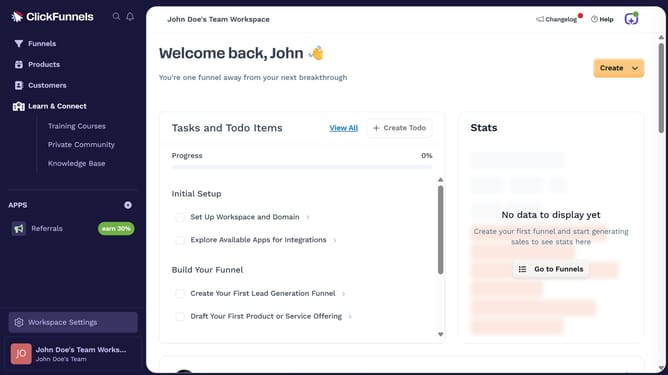
How to bulk tag products in ClickFunnels
Here is how to bulk tag products in clickfunnels
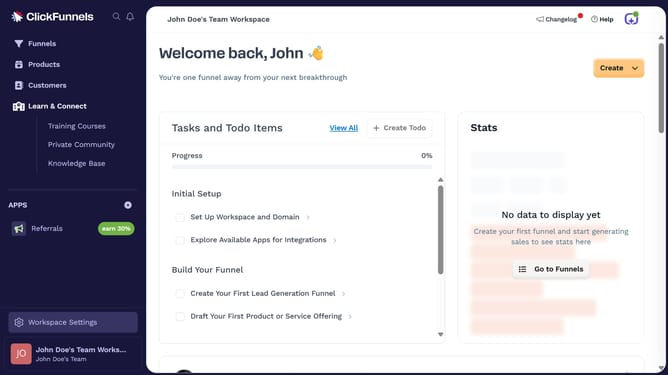
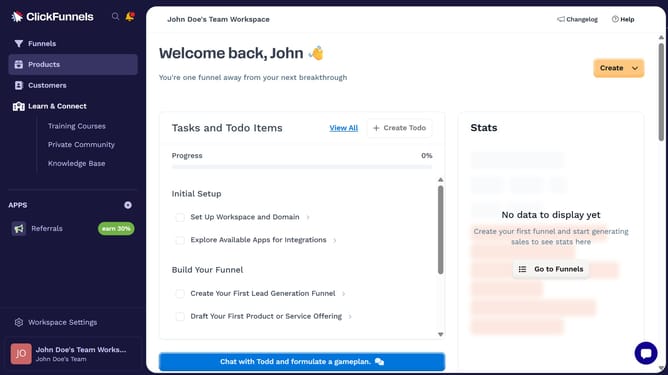
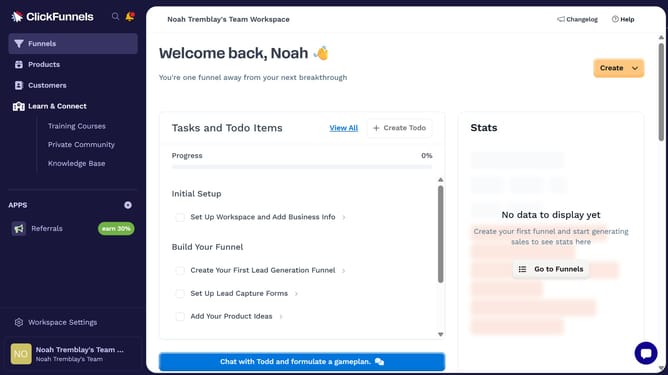
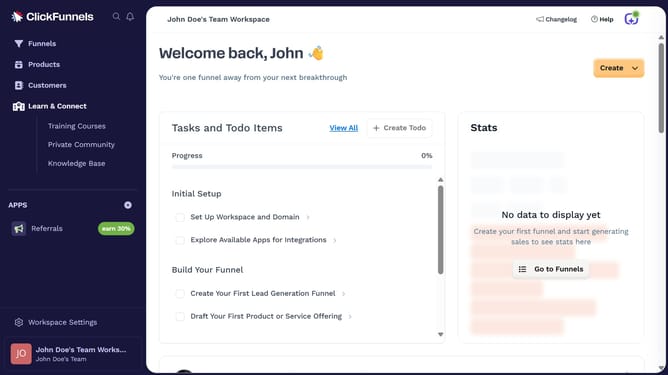
- First click on "Products" in the left sidebar to expand the products menu
- Then click on "All Products" submenu item in the left sidebar
- Then check the boxes beside the products you want to tag
- Then click on the "Bulk actions" dropdown button to view available bulk actions
- Next click on "Tag Selected" option from the bulk actions dropdown menu
- Then click on the "Tags" input field in the "Add Tags to Products" modal dialog
- Next choose the tags you want to apply from the dropdown list to select it
- Finally click on the "Save" button to apply the selected tag to all products
Why should you bulk tag products in ClickFunnels
ClickFunnels is a powerful platform designed to streamline sales and marketing by creating efficient sales funnels.
The bulk tagging feature in ClickFunnels allows users to categorize multiple products simultaneously, increasing organizational efficiency.
This feature is invaluable for businesses managing extensive product lists, as it simplifies the process of optimizing categories for better searchability and customer navigation.
By utilizing bulk tagging, businesses can save time, ensuring that their product management is both effective and seamless.
Last update