How to turn off the online store toggle in ClickFunnels
Here is how to turn off the online store toggle in clickfunnels
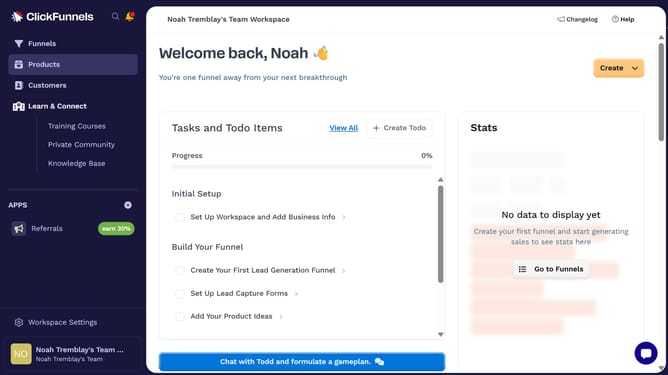
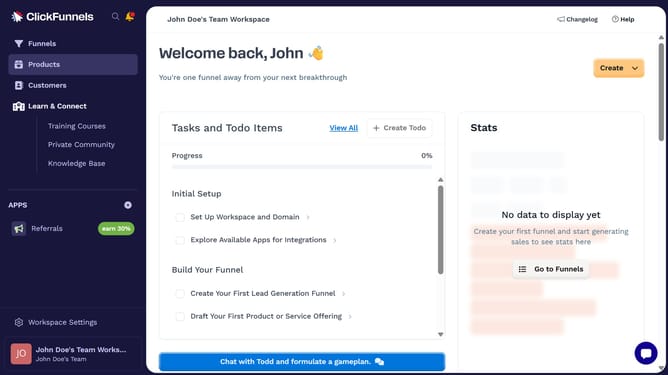
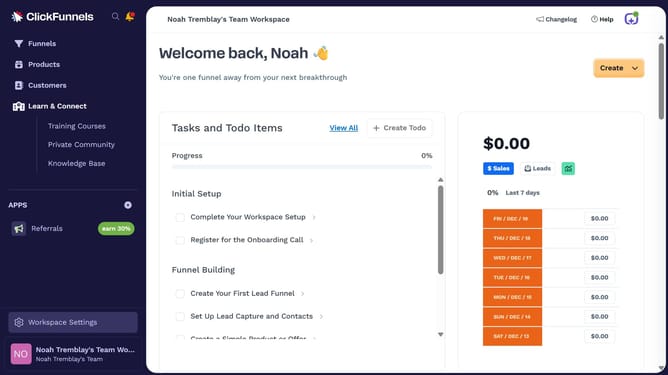
- First click on "Products" in the left sidebar navigation menu
- Then click on "All Products" in the expanded Products submenu
- Next select the product you want to update
- Then toggle off the "Online Store" switch in the Sales Channel Visibility section on the right panel
- Finally click on "Update Product" button in the top right corner to save the changes
Why should you turn off the online store toggle in ClickFunnels
ClickFunnels is a dynamic platform designed to simplify the process of building sales funnels and optimizing marketing campaigns.
One of its many features is the ability to easily manage aspects of your funnel, such as turning off the online store toggle. This allows you to focus solely on other funnel components, like lead generation or webinars, without the distraction of a full-fledged e-commerce setup.
This feature is particularly beneficial for users aiming to streamline their sales process by concentrating on specific goals without the additional complexity of managing an online store.
By controlling this toggle, you can ensure your funnel remains aligned with your business objectives, ultimately enhancing efficiency and focus in your marketing strategy.