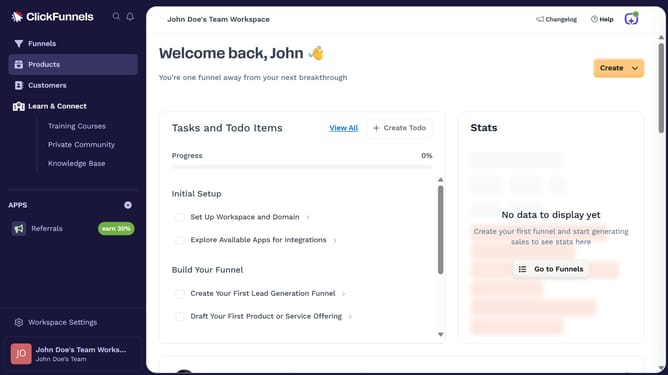
How to integrate Zoho CRM with ClickFunnels
Here is how to integrate zoho crm with clickfunnels
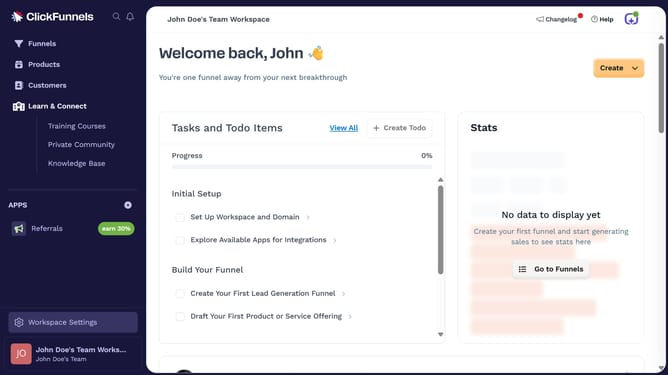
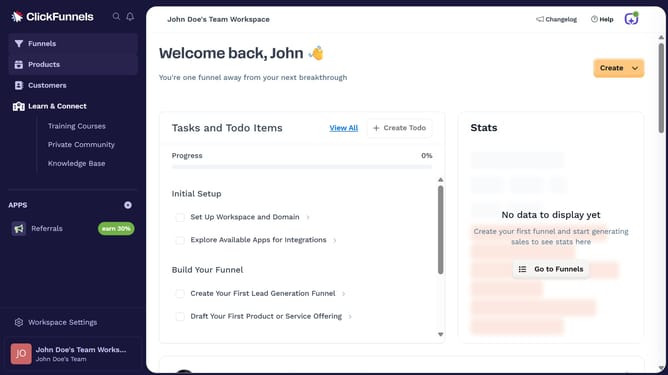
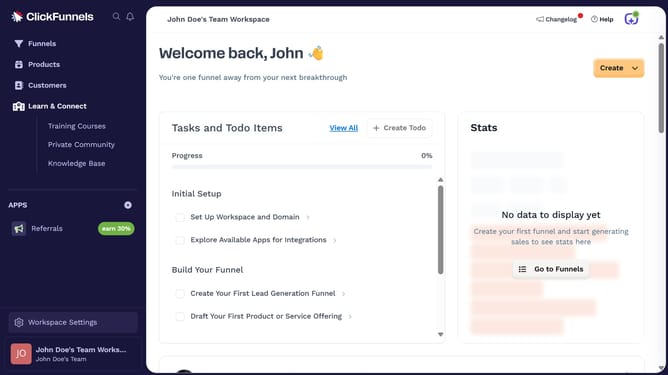
- First click on "Workspace Settings" in the left sidebar
- Then click on "Integrations" in the left sidebar menu
- Next click on the "Zoho CRM" integration card in the main content area
- Finally sign in using your email address or mobile number in the connection form to complete the integration
Why should you integrate Zoho CRM with ClickFunnels
ClickFunnels is an intuitive platform designed to streamline and optimize sales funnels for businesses.
Integrating Zoho CRM with ClickFunnels allows for the seamless transfer of customer data between platforms, enhancing workflow efficiency.
This integration enables precise targeting and nurturing of leads, thereby empowering businesses to refine their marketing strategies.
By combining the robust customer management features of Zoho CRM with the dynamic sales funnel capabilities of ClickFunnels, businesses can achieve improved sales conversion rates and more insightful customer engagement.
Last update