How to change a product price in ClickFunnels
Here is how to change a product price in clickfunnels
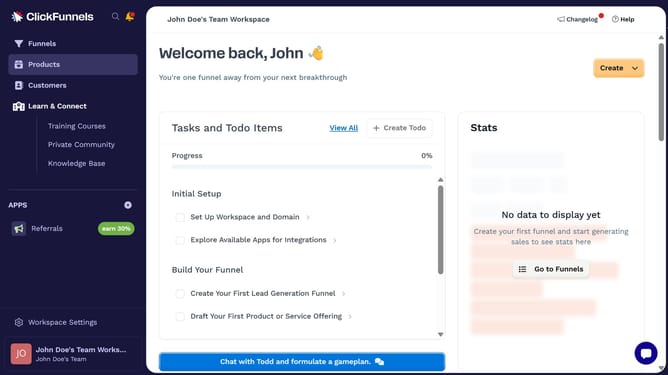
- First click on "Products" menu item in the left sidebar
- Then click on "All Products" submenu item under Products section
- Next select the product you want to change the price for
- Then click on "Edit price" button in the Pricing section
- Then click on "Amount" input field and modify the price value
- Finally click on "Save" button to confirm the price change
Why should you change a product price in ClickFunnels
ClickFunnels is a powerful tool designed to help businesses create effective sales funnels with ease.
Changing a product price in ClickFunnels is a straightforward feature that enhances your pricing strategy flexibility.
By adjusting prices with agility, you can respond to market trends or promotional events to maximize sales potential.
Moreover, quick pricing updates can improve customer satisfaction by ensuring they always see current and accurate prices.
Last update