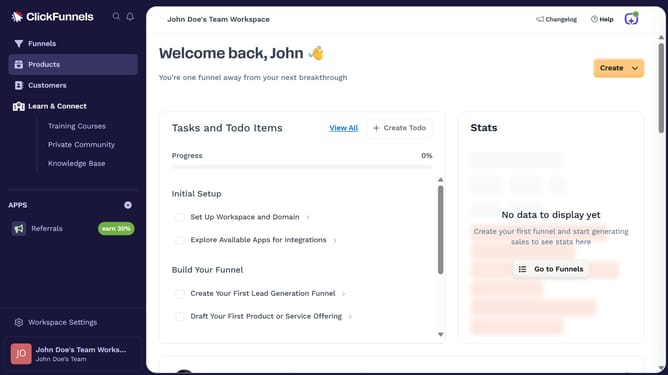
How to hide a product from the online store in ClickFunnels
Here is how to hide a product from the online store in clickfunnels
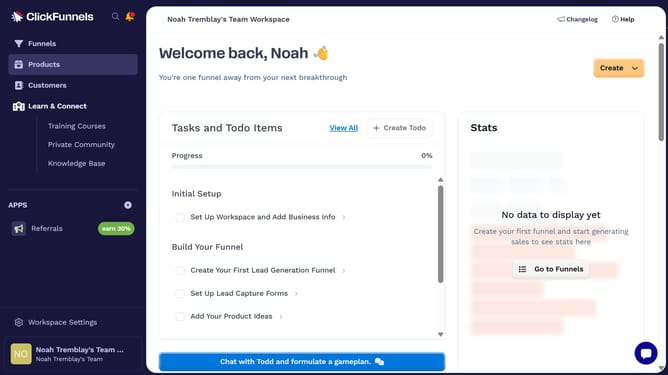
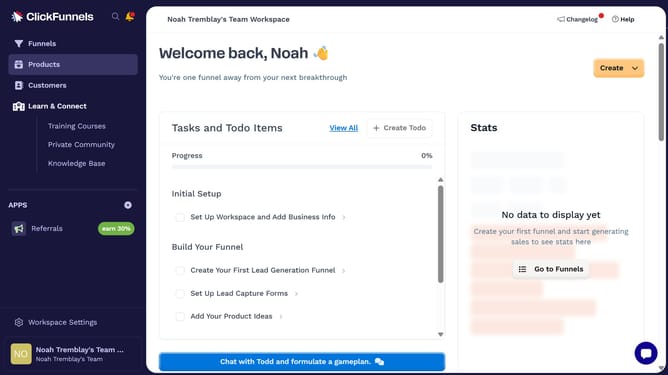
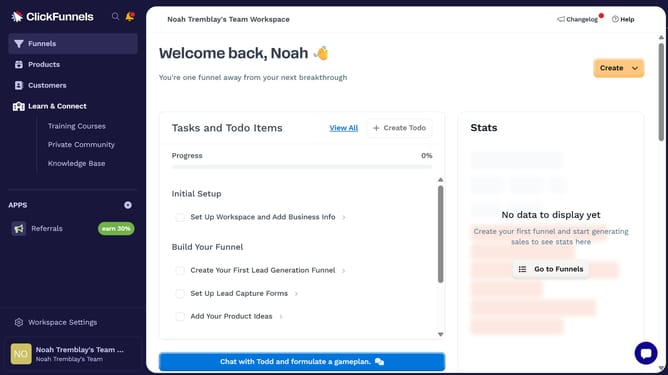
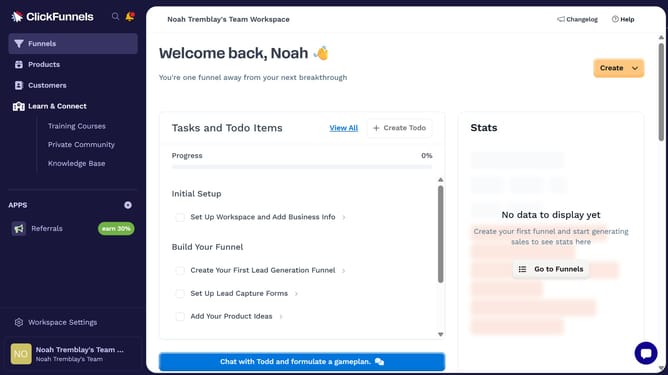
- First click on "Products" in the left sidebar to expand the products menu
- Then click on "All Products" in the expanded products submenu
- Next select the product you want to hide from the online store
- Then click the "Online Store" toggle switch in the Sales Channel Visibility section to disable it
- Finally click on "Update Product" button in the top right corner to save the changes
Why should you hide a product from the online store in ClickFunnels
ClickFunnels is a versatile tool designed to help you effortlessly create and automate your sales funnels.
One of its smart features is the capability to easily hide a product from your online store.
This feature is particularly useful when you want to manage product availability without removing them entirely from your system.
Utilizing this function allows you to maintain an organized product list, keep certain items exclusive, and control the customer purchasing journey effectively.
Last update