How to hide the Steps column in ClickFunnels
Here is how to hide the steps column in clickfunnels
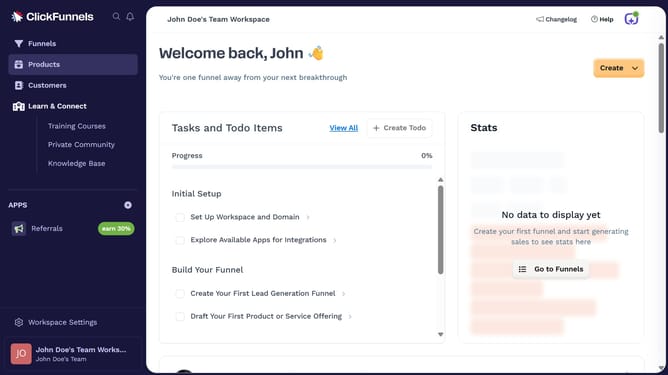
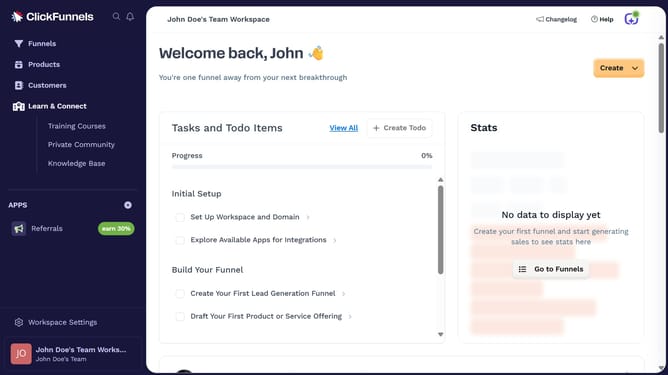
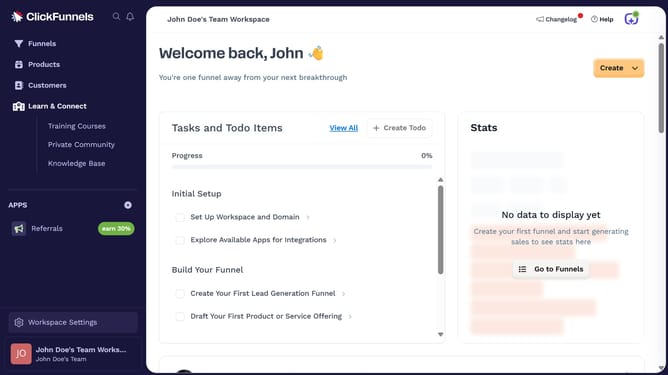
- First click on the "Funnels" option in the left sidebar navigation menu
- Then click on the "Modify columns" button in the top-right corner of the funnels list view
- Finally uncheck the "Steps" checkbox from the column options menu
Why should you hide the Steps column in ClickFunnels
ClickFunnels is a versatile online tool designed to streamline the process of building marketing funnels, helping businesses convert potential leads into customers efficiently.
One handy feature in ClickFunnels is the ability to hide the Steps column, which unclutters your workspace and allows you to focus on your primary tasks.
By concealing this column, you not only create a cleaner and more organized interface but also boost your productivity by reducing visual distractions.
This feature is particularly beneficial for those who appreciate a streamlined view, ensuring their workflow remains smooth and uninterrupted.
Last update