How to sort ClickFunnels domains by name A–Z
Here is how to sort clickfunnels domains by name a–z
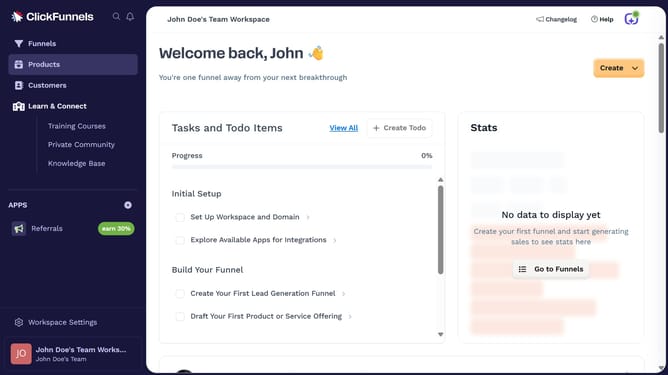
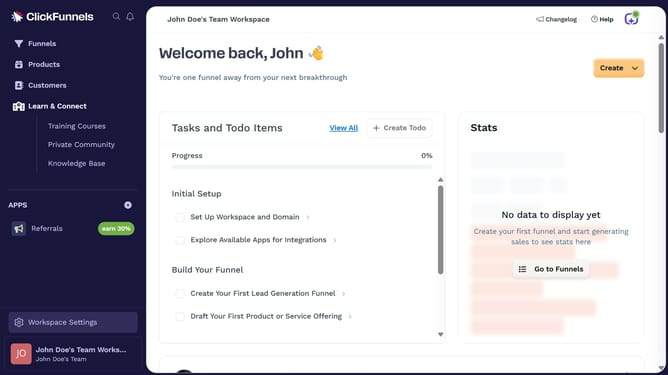
- First click on "Workspace Settings" button in the left sidebar
- Then click on "Domains" option in the Workspace Settings sidebar menu
- Next click on the "Sort by" dropdown button in the top right of the domains table
- Finally select "Name (A-Z)" option from the sort dropdown menu
Why should you sort ClickFunnels domains by name A–Z
ClickFunnels is a powerful tool designed to simplify the process of building sales funnels and managing domains efficiently.
By using the feature to sort ClickFunnels domains by name A–Z, users can effortlessly organize their domains in alphabetical order. This feature enhances accessibility and boosts efficiency in navigating an ever-growing list of domains.
Using this functionality saves time and streamlines workflow, ensuring that users can quickly find the domains they need without hassle. Get more out of your ClickFunnels experience with organized domains.
Last update