How to integrate Invoice Ninja with ClickFunnels
Here is how to integrate invoice ninja with clickfunnels
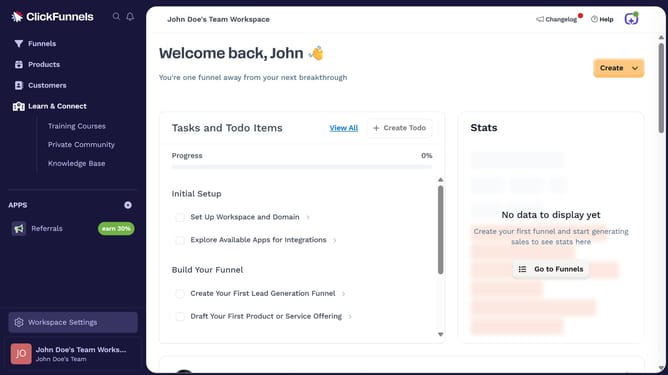
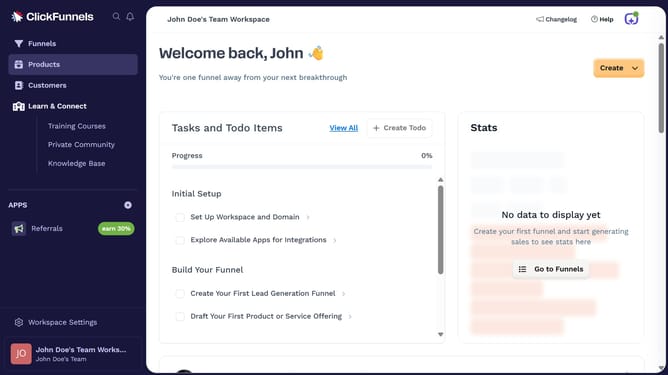
- First click on "Workspace Settings" button in the left sidebar
- Then click on "Integrations" menu item in the left sidebar
- Next click on "Invoice Ninja" integration card in the main content area
- Finally enter your Invoice Ninja API key in the connection form and click "Proceed" to complete the integration
Why should you integrate Invoice Ninja with ClickFunnels
ClickFunnels is a powerful tool designed to create high-converting sales funnels effortlessly.
Integrating Invoice Ninja with ClickFunnels enhances your ability to manage client invoices and payments seamlessly within your sales funnel. This integration helps automate the billing process and keeps your financial operations smooth, allowing you to focus more on growing your business.
By connecting Invoice Ninja with ClickFunnels, you streamline tedious tasks and improve customer experience. This integration ensures that all sales transactions are effectively tracked and managed, providing you with a reliable financial overview.
Last update