How to integrate Pipedrive Legacy with ClickFunnels
Here is how to integrate pipedrive legacy with clickfunnels
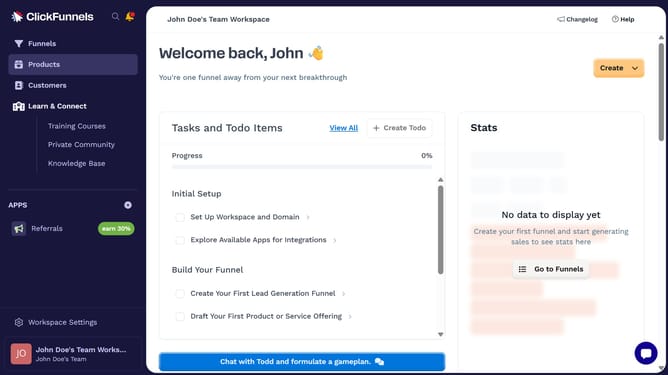
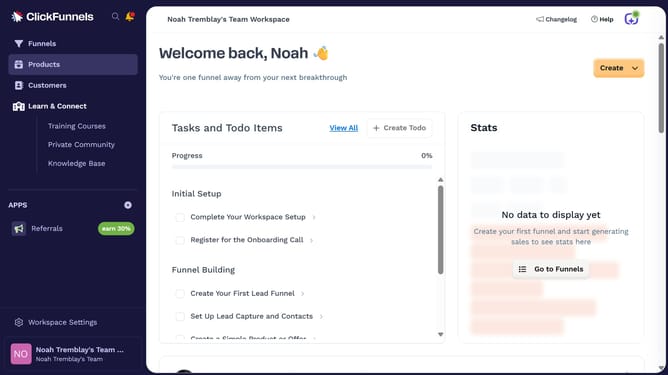
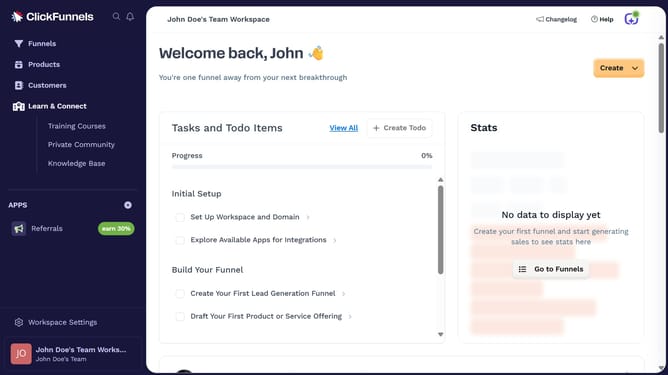
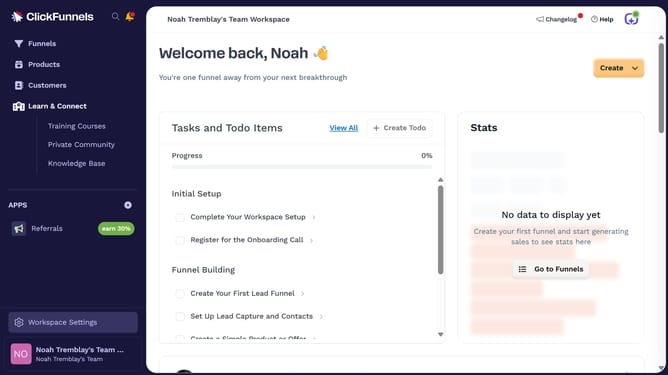
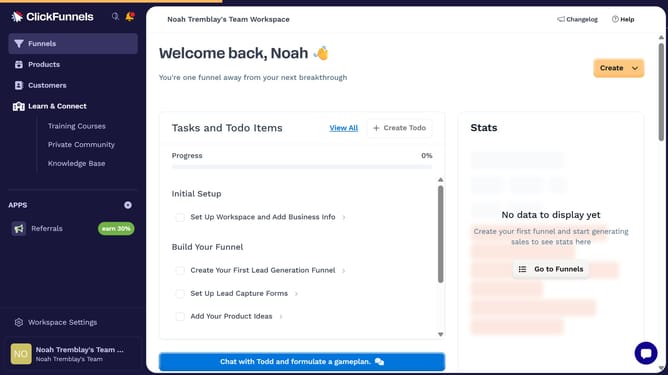
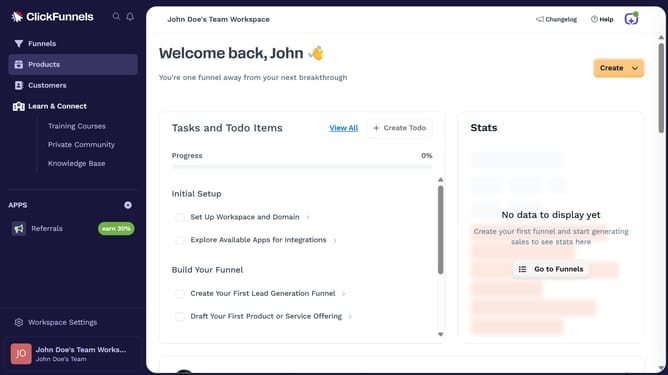
- First click on "Workspace Settings" in the left sidebar
- Then click on "Integrations" in the left sidebar menu
- Next click on "Pipedrive Legacy" integration card in the main content area
- Finally enter your API key in the connection form, then click "Proceed" to complete the integration
Why should you integrate Pipedrive Legacy with ClickFunnels
ClickFunnels is a dynamic platform designed to simplify the process of creating sales funnels for entrepreneurs and businesses.
Integrating Pipedrive Legacy with ClickFunnels allows for seamless management of leads and sales processes, enhancing workflow efficiency.
This integration centralizes customer data, making it easier to monitor progress and nurture relationships. The streamlined data flow can significantly reduce manual tasks, allowing teams to focus more on strategizing and selling.
By connecting these tools, businesses can leverage ClickFunnels' powerful conversion capabilities while maintaining organized customer interactions through Pipedrive's robust CRM functionalities.
Last update