How to disconnect Harvest from ClickFunnels
Here is how to disconnect harvest from clickfunnels
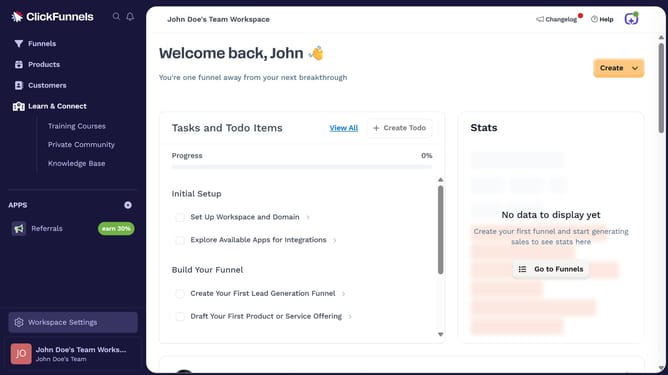
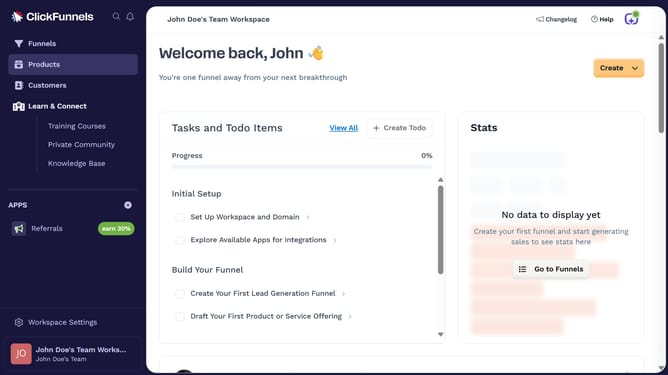
- First click on "Workspace Settings" link in the left sidebar
- Then click on "Integrations" menu item in the left sidebar
- Next click on the "Harvest" integration card in the main content area
- Then click on the dropdown menu button next to the Harvest Account field
- Next click on the delete/trash icon button in the dropdown menu
- Finally click on the "Disconnect" button in the confirmation dialog
Why should you disconnect Harvest from ClickFunnels
ClickFunnels is a powerful tool designed to streamline the process of creating effective sales funnels.
If you're looking to disconnect Harvest from ClickFunnels, it's important to understand the context and purpose behind this action. Integration management is key for ensuring your tools serve their best function without clutter.
Disconnecting Harvest can declutter your workflow, reduce potential data confusion, and align your platform usage more closely with your business needs.
By managing integrations efficiently, you create a seamless operational experience, enhancing overall productivity.
Last update