How to manage funnel columns in ClickFunnels
Here is how to manage funnel columns in clickfunnels
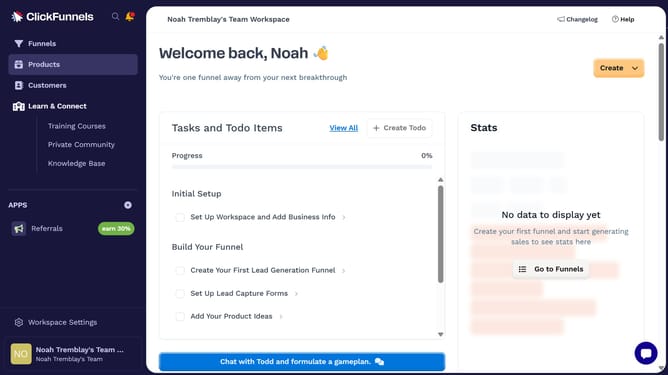
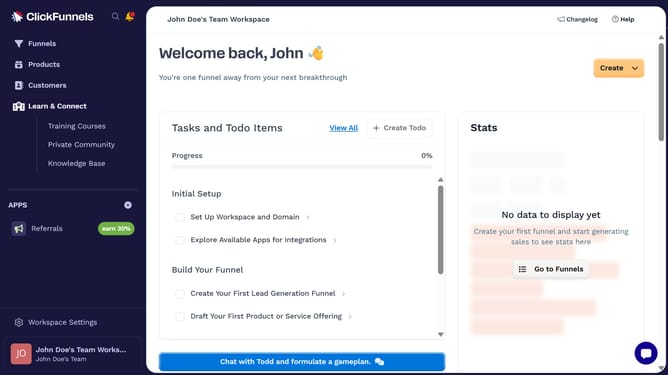
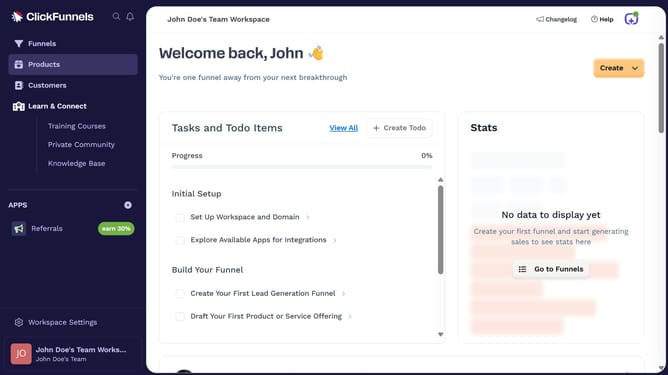
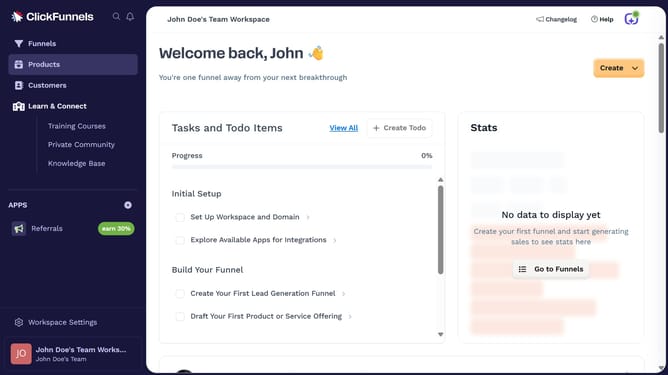
- First click on the "Funnels" item in the left sidebar navigation menu
- Then click on the "Modify columns" button in the top-right corner of the funnel table
- Finally choose which columns to show or hide by checking or unchecking the options in the dropdown menu
Why should you manage funnel columns in ClickFunnels
ClickFunnels is a powerful online platform designed to simplify the creation and optimization of sales funnels for businesses.
Managing funnel columns in ClickFunnels is a vital feature that allows users to organize and structure their sales strategies efficiently.
This flexibility enhances the user's ability to customize their funnels to better align with their target audience's needs.
Effectively managing these columns leads to more refined customer journeys, ultimately increasing conversion rates and boosting overall business growth.
Last update