How to change product page URL path in ClickFunnels
Here is how to change product page url path in clickfunnels
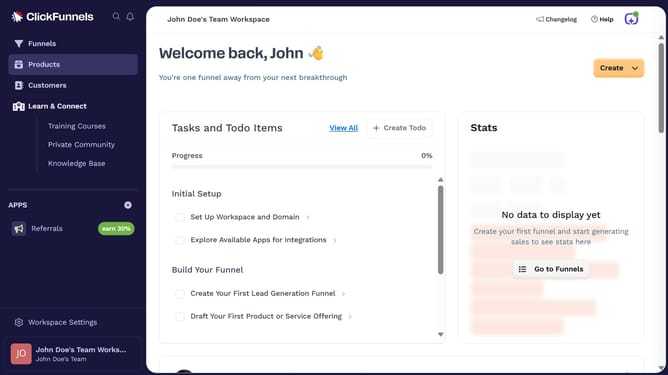
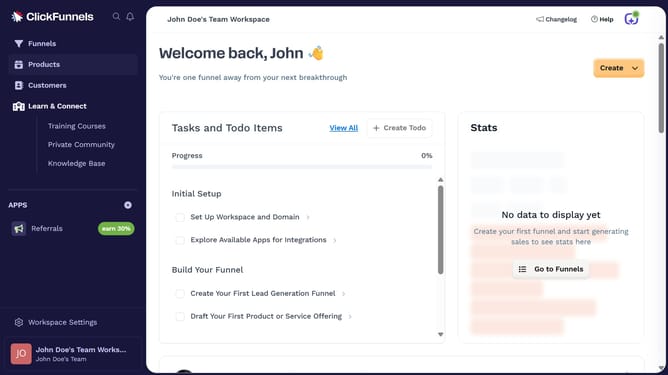
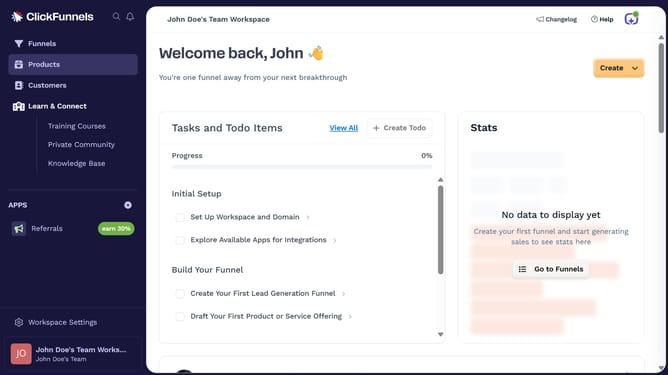
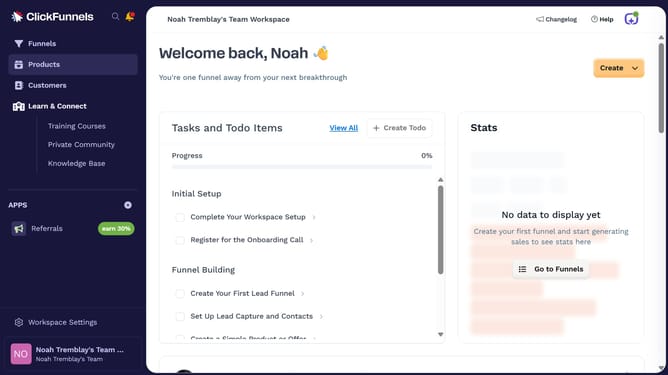
- First click on "Products" in the left sidebar
- Then click on "All Products" in the expanded Products submenu
- Next select the product you want to edit
- Then click on "SEO and sharing" section to expand it
- Next click the URL text field and update it to your preferred path
- Finally click on "Update Product" button in the top right corner
Why should you change product page URL path in ClickFunnels
ClickFunnels is a powerful platform designed to build highly effective sales funnels with ease.
Customizing the URL path of your product page in ClickFunnels enhances not only aesthetics but also contributes to a more tailored user experience. By aligning URL paths with your brand's identity or product theme, you foster greater customer trust and engagement.
Additionally, clean and relevant URLs can improve SEO, ensuring higher visibility in search engine results. The ability to change product page URL paths empowers you to create a cohesive and professional online presence.
Last update