How to update shipping weight for a product in ClickFunnels
Here is how to update shipping weight for a product in clickfunnels
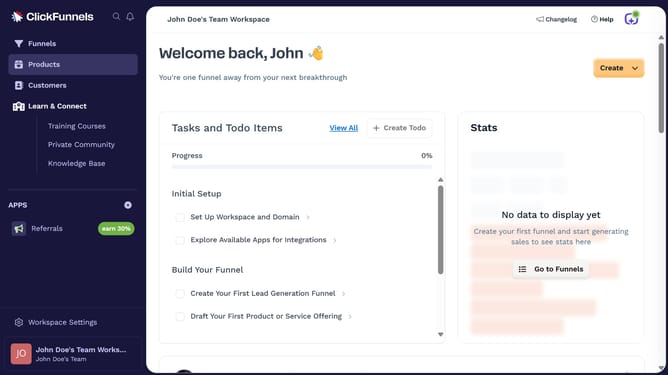
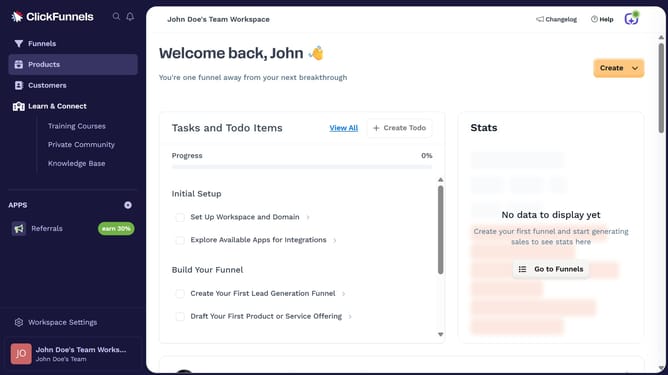
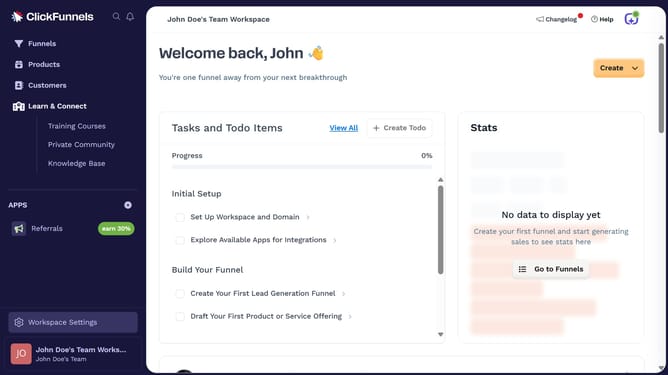
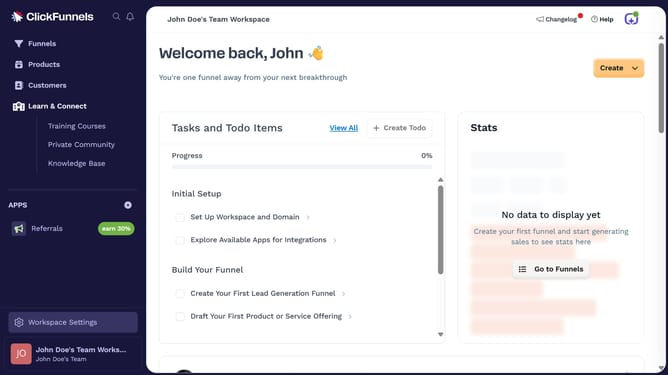
- First click on the "Products" option in the left sidebar menu
- Then click on the "All Products" submenu item under Products
- Next select the product whose shipping weight you want to update
- In the product details form, click on the weight field and enter the new weight for the product
- Finally click the "Update Product" button at the top right of the product edit page
Why should you update shipping weight for a product in ClickFunnels
ClickFunnels is a powerful online sales funnel builder designed to streamline the process of converting prospects into customers.
Updating the shipping weight for a product in ClickFunnels is a crucial feature that ensures accurate shipping calculations and smoother logistics. By setting precise shipping weights, businesses can avoid unexpected costs and provide transparent pricing to customers.
This feature enhances customer satisfaction by ensuring timely and efficient delivery. Understanding how to manage shipping details effectively within ClickFunnels ultimately contributes to a business's operational success.
Last update