How to customize product link preview description in ClickFunnels
Here is how to customize product link preview description in clickfunnels
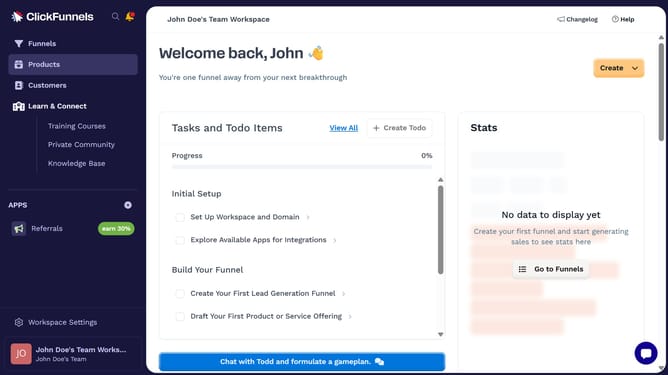
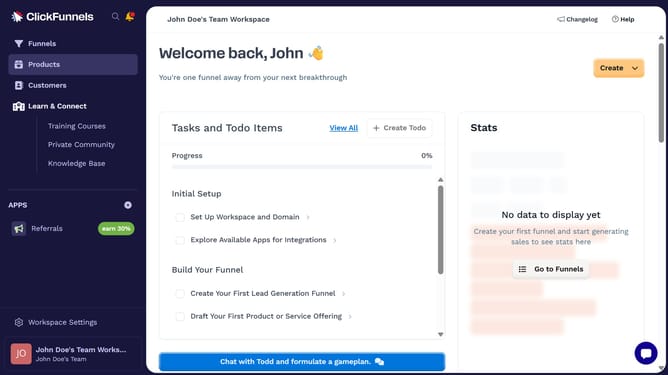
- First click on "Products" in the left sidebar menu
- Then click on "All Products" in the expanded Products submenu
- Next select the product you want to customize
- Then click on "Edit SEO and sharing" link in the SEO and sharing section
- Next enter your preferred text in the "Description" text field in the SEO and sharing section
- Finally click on "Update Product" button at the bottom right of the page
Why should you customize product link preview description in ClickFunnels
ClickFunnels is a dynamic online platform designed to simplify the creation of sales funnels for businesses.
Customizing product link preview descriptions in ClickFunnels enhances your content's appeal by offering potential customers a tailored snapshot of your product offerings.
This feature is essential for aligning product previews with your brand's voice, ensuring consistency and clarity in messaging.
Ultimately, it boosts engagement by drawing your audience into your curated sales experience, fostering increased interest and conversions.
Last update