How to delete a product variant in ClickFunnels
Here is how to delete a product variant in clickfunnels
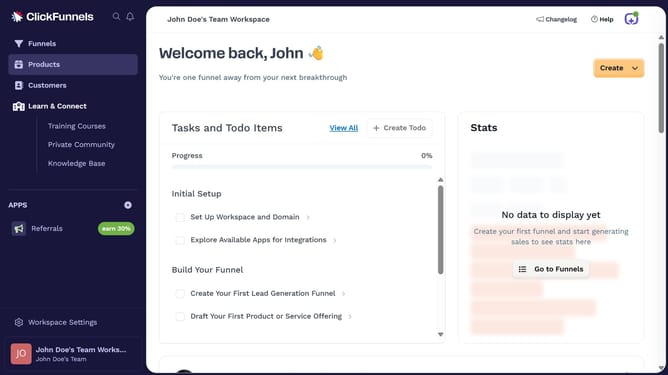
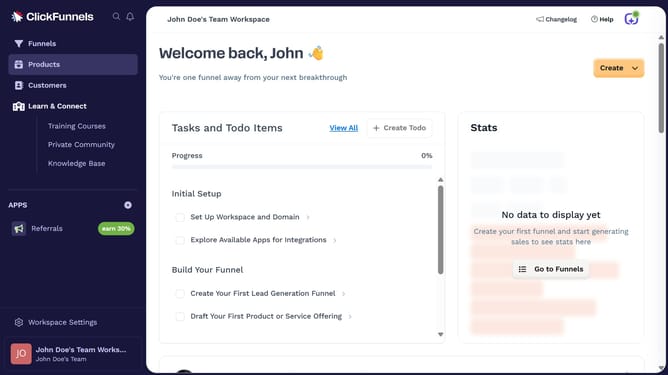
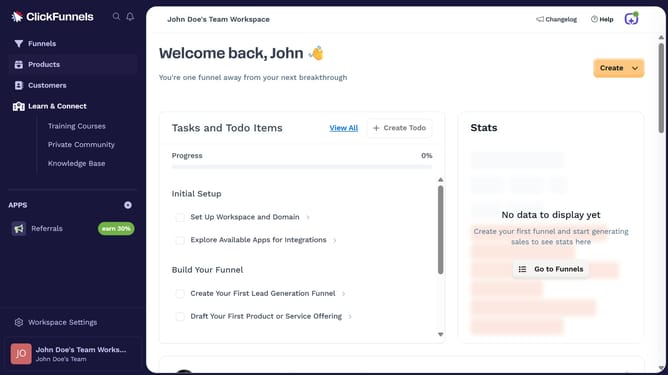
- First click on the "Products" item in the left sidebar menu
- Then click on "All Products" submenu item in the Products section
- Next select the product that contains the variant you want to delete
- Then scroll to the "Variants" section and click the variant you want to remove
- Click the "Delete" button inside the variant editor
- Click the "Update Product" button at the bottom of the page
- Finally click "Proceed" in the confirmation dialog
Why should you delete a product variant in ClickFunnels
ClickFunnels is a powerful tool designed to streamline the creation of sales funnels and effortless marketing.
The feature to delete a product variant in ClickFunnels provides the flexibility to keep your product offerings concise and relevant.
Utilizing this feature ensures that your inventory reflects only the variants most desired by your audience, optimizing both user experience and sales potential.
By managing your product variants efficiently, ClickFunnels enhances your ability to focus on what truly drives your business forward.
Last update