How to disable the customer center toggle in ClickFunnels
Here is how to disable the customer center toggle in clickfunnels
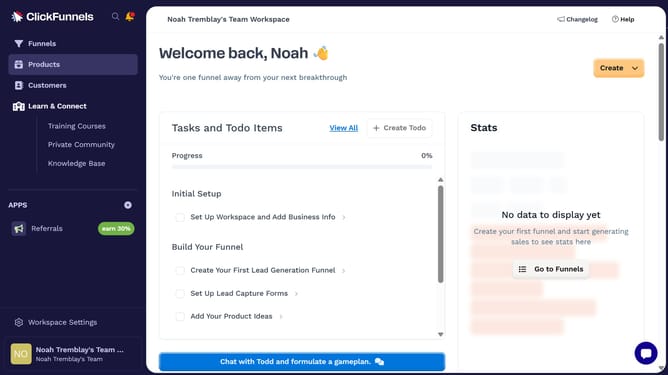
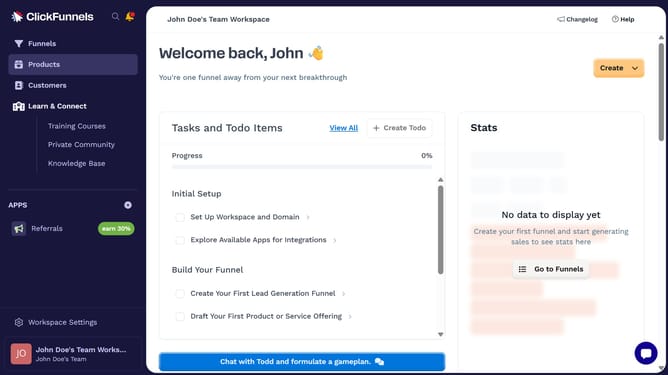
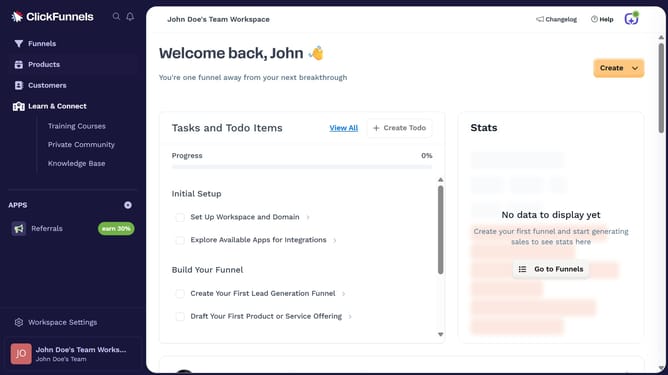
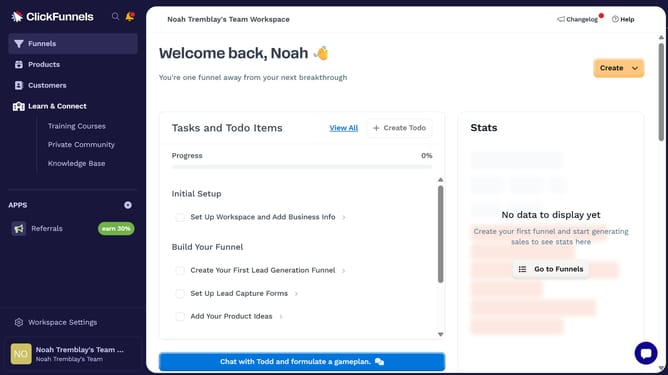
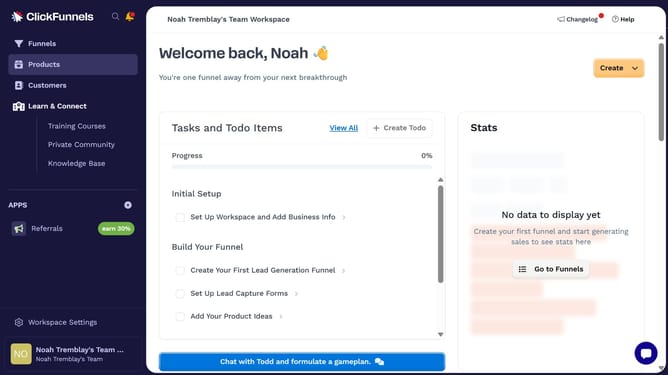
- First click on the "Products" menu item in the left sidebar
- Then click on the "All Products" submenu item under Products in the left sidebar
- Next select the product you want to update
- Then scroll to the Sales Channel Visibility section and toggle off the "Customer Center" switch
- Finally click on the "Update Product" button in the top right corner to save the changes
Why should you disable the customer center toggle in ClickFunnels
ClickFunnels is a powerful platform designed to streamline the creation of sales funnels for businesses seeking growth and efficiency.
One notable feature within ClickFunnels is the customer center toggle. Disabling this toggle can simplify your interface, allowing you to focus on essential elements of your sales strategy.
By managing the customer center toggle, users can ensure their workflow remains uncluttered, boosting productivity and enhancing the overall user experience.
Last update