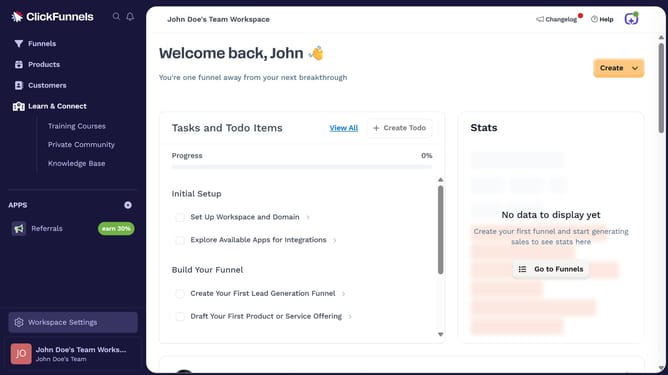
How to add a description to a product in ClickFunnels
Here is how to add a description to a product in clickfunnels
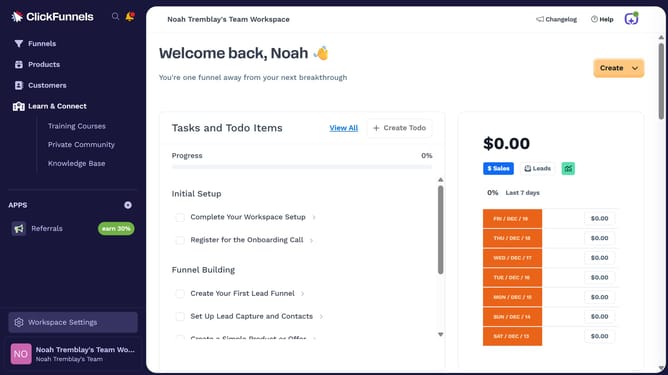
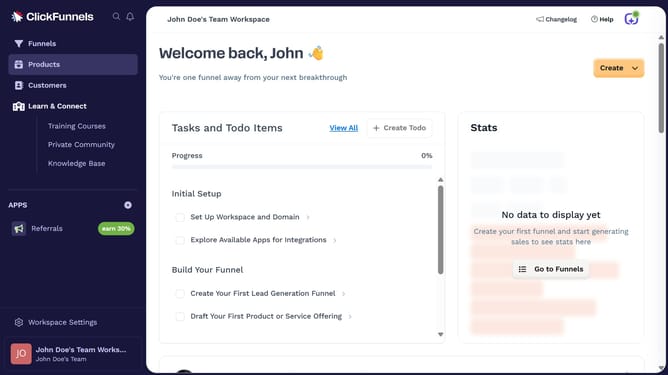
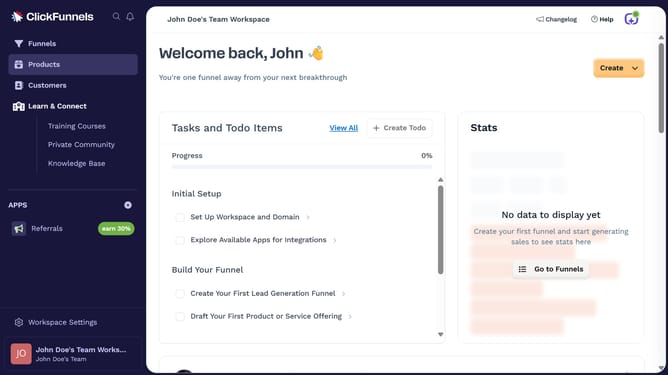
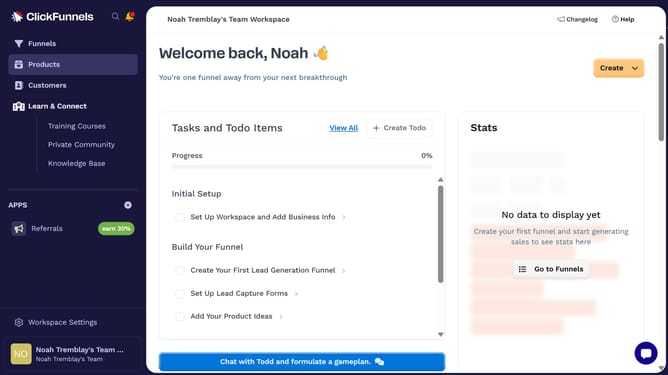
- First click on "Products" in the left sidebar to expand the products menu
- Then click on "All Products" submenu item in the left sidebar
- Next select the product you want to add a description to
- Then click in the "Description" text field to add product description
- Finally click on "Update Product" button in the top right corner to save changes
Why should you add a description to a product in ClickFunnels
ClickFunnels is a versatile platform designed to help businesses create effective sales funnels effortlessly.
Adding a description to a product in ClickFunnels is a straightforward feature that enhances product allure and clarity. This enriching addition aids in delivering essential details that can captivate potential customers' attention at a glance.
Utilizing this feature allows for concise communication, helping convey product value and fostering informed purchasing decisions. It's an excellent way to strengthen your sales approach while maintaining customer engagement.
Last update