How to make a product visible in the online store in ClickFunnels
Here is how to make a product visible in the online store in clickfunnels
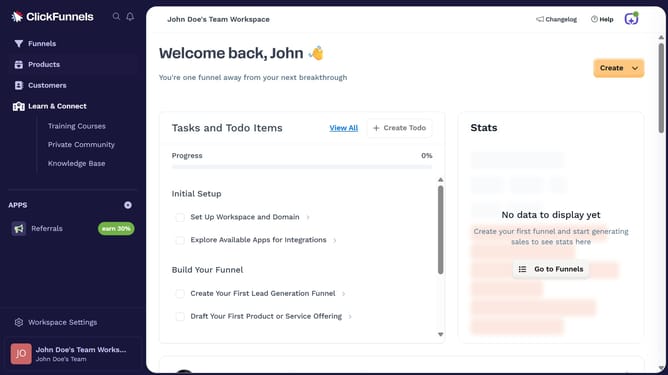
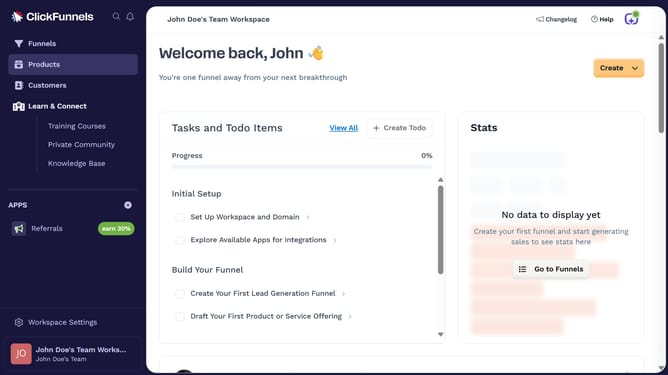
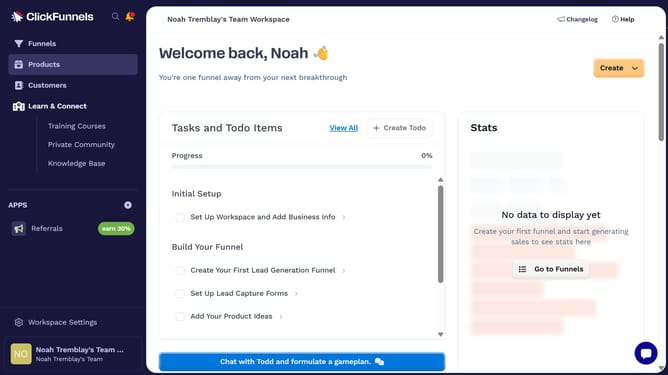
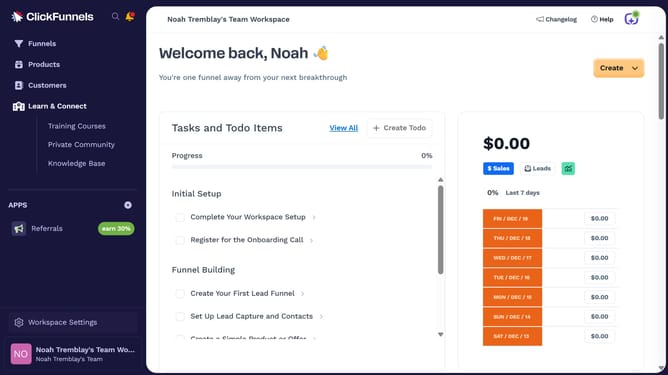
- First click on "Products" in the left sidebar to expand the products menu
- Then click on "All Products" submenu item in the left sidebar
- Next select the product you want to make visible in the online store
- Then click on the "Online Store" toggle switch in the Sales Channel Visibility section to enable it
- Finally click on "Update Product" button in the top right corner to save the changes
Why should you make a product visible in the online store in ClickFunnels
ClickFunnels is a powerful online sales and marketing funnel builder designed to simplify the task of creating effective sales strategies.
Making a product visible in your ClickFunnels online store ensures that your offerings reach the right audience at the right time. This feature is crucial for maximizing exposure and boosting sales.
Using ClickFunnels for this purpose provides the benefit of integrating seamlessly with its rich functionality to enhance customer experiences and streamline digital marketing efforts.
Last update