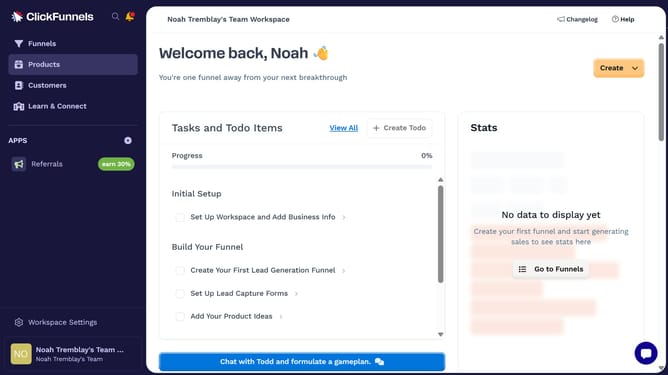
How to connect a custom domain in ClickFunnels
Here is how to connect a custom domain in clickfunnels
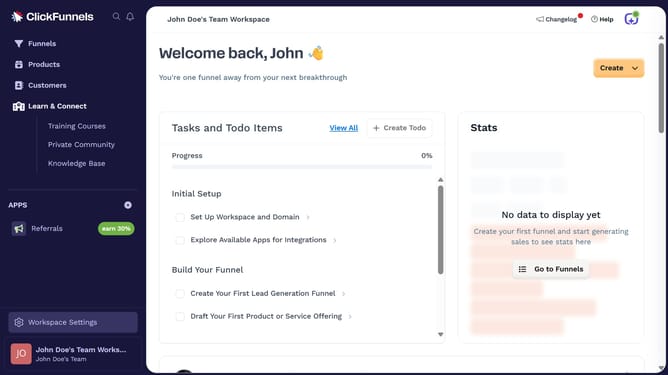
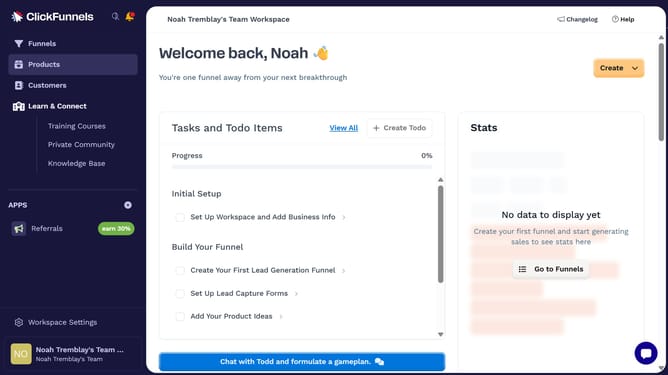
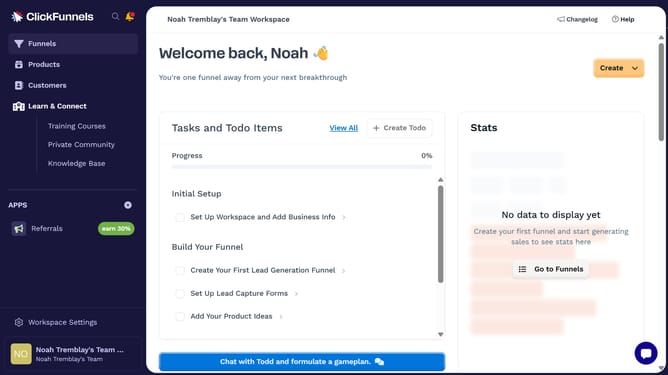
- First click on "Workspace Settings" in the left sidebar
- Then click on "Domains" in the left sidebar menu
- Next click on "Add Domain" button in the top right corner
- Then click on "Add an existing domain" option in the modal dialog
- Enter the domain name in the text input field
- Then click on the "Continue" button to proceed
- Finally click on the "Continue with your domain" button to proceed
Why should you connect a custom domain in ClickFunnels
ClickFunnels is a powerful tool designed to streamline the creation of marketing funnels for businesses.
Connecting a custom domain to ClickFunnels elevates your brand's presence, making it distinct and professional. This feature allows you to seamlessly integrate your personalized domain, ensuring that your brand's identity carries through every point of customer interaction.
With a custom domain, trust is naturally fostered, as visitors recognize a consistent, branded web address. It's a simple step that significantly boosts engagement and conversion by providing a cohesive and credible online presence.
Last update