How to integrate GoTo Webinar with ClickFunnels
Here is how to integrate goto webinar with clickfunnels
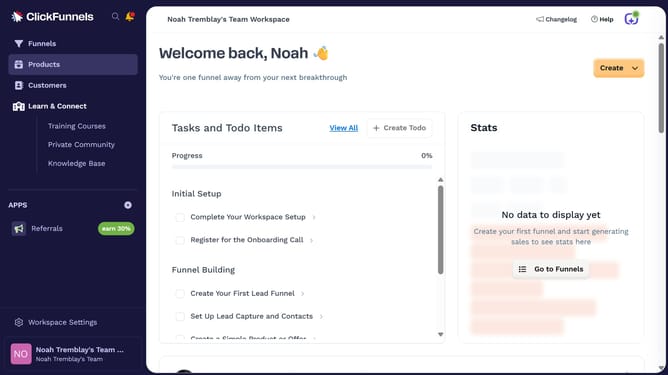
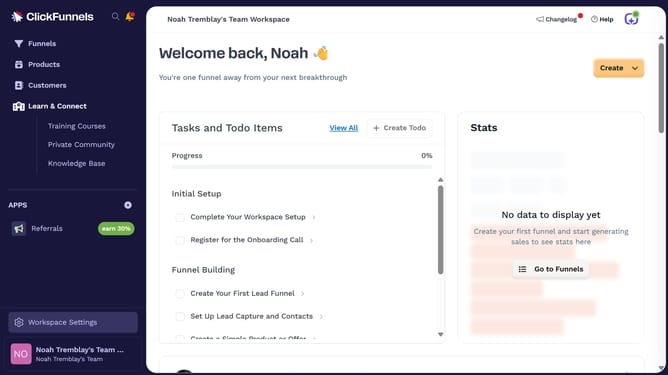
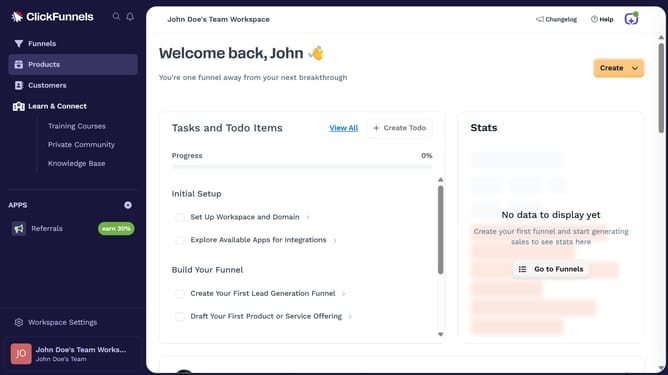
- First click on "Workspace Settings" button in the left sidebar
- Then click on "Integrations" menu item in the left sidebar under Workspace Settings
- Next click on "GoTo Webinar" integration card in the main content area
- Finally sign in using your email address or choose to sign in with a passkey in the connection form to complete the integration
Why should you integrate GoTo Webinar with ClickFunnels
ClickFunnels is an intuitive platform designed to streamline the creation of high-converting sales funnels.
Integrating GoTo Webinar with ClickFunnels supercharges your marketing strategy, allowing you to effortlessly incorporate webinars into your sales funnel. This dynamic combination simplifies the automation of lead nurturing by seamlessly funneling webinar attendees into targeted follow-up sequences.
Utilizing this integration empowers marketers to efficiently capture leads and drive higher engagement, ultimately boosting conversion rates through personalized interactions.
Last update