How to change the main product image in ClickFunnels
Here is how to change the main product image in clickfunnels
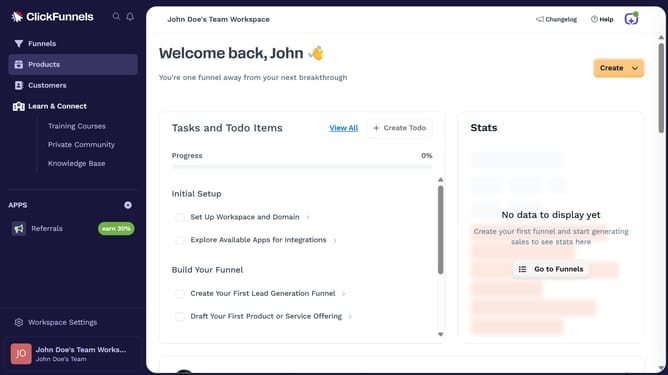
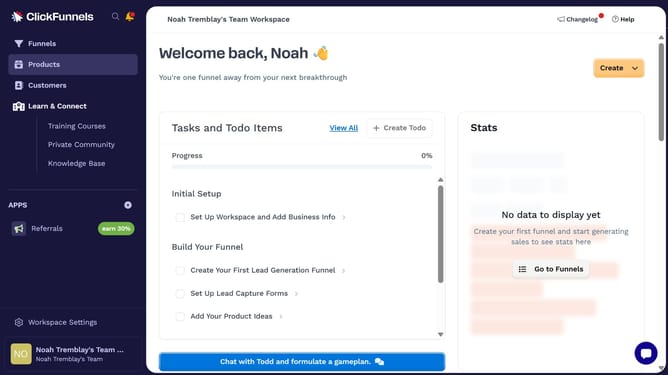
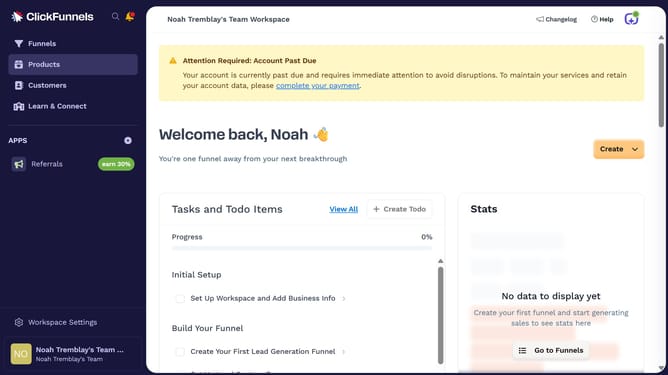
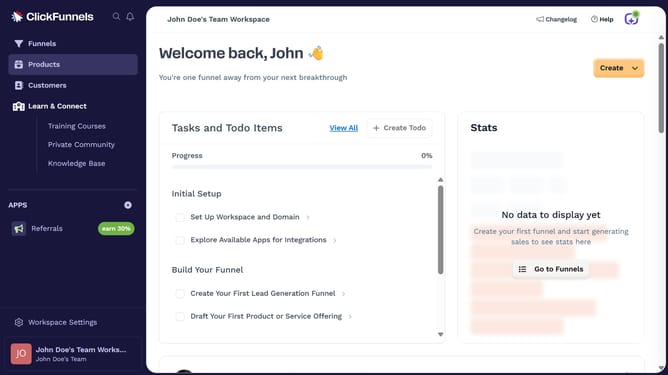
- First click on the "Products" item in the left sidebar menu
- Then click on "All Products" submenu item under Products in the left sidebar
- Next select the product where you want to change the main image
- Then drag and drop the image you want to use as the main product image into the first (primary) image slot
- Finally click on "Update Product" button in the top-right corner of the product edit page
Why should you change the main product image in ClickFunnels
ClickFunnels is a powerful tool designed to streamline the process of building online sales funnels for businesses of all kinds.
One standout feature is its ability to easily change the main product image, an essential asset for captivating visitors and enhancing their buying journey. Just a few clicks, and you can visually transform your sales page effortlessly.
Utilizing this feature keeps your product presentation dynamic and relevant, ensuring you're always putting your best image forward. This adaptability ultimately leads to increased engagement and higher conversion rates.
Last update