How to hide Inventory column in product view in ClickFunnels
Here is how to hide inventory column in product view in clickfunnels
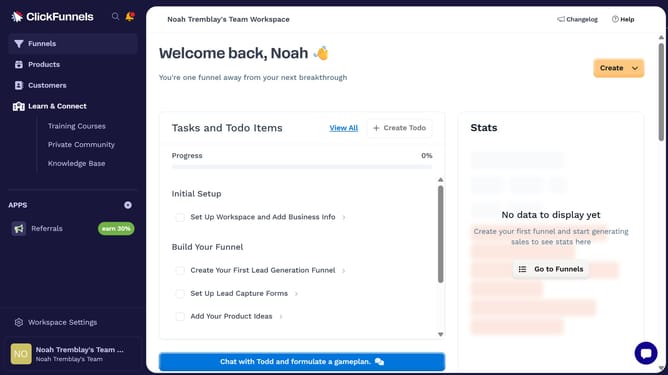
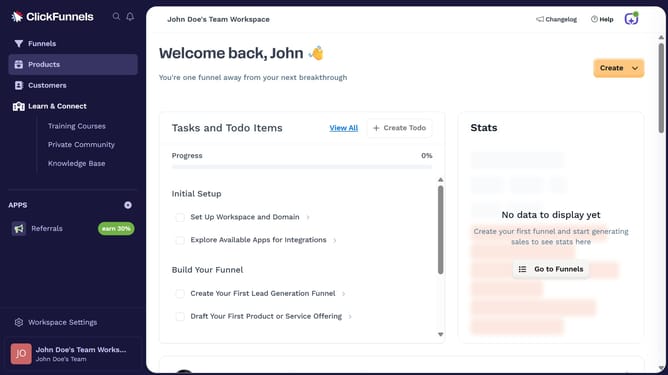
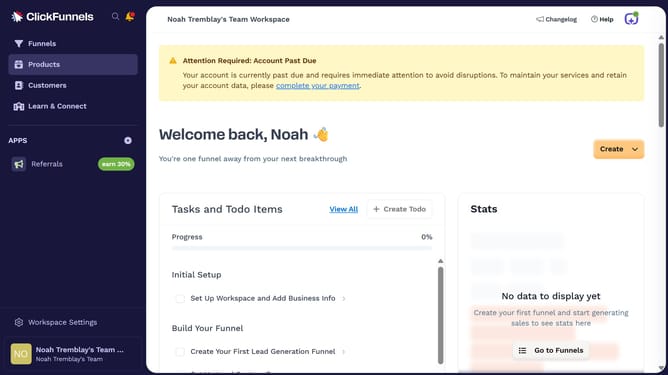
- First click on "Products" in the left sidebar menu
- Then click on "All Products" submenu item under Products section
- Then click on the column settings icon in the top right corner of the products table
- Finally uncheck the "Inventory" checkbox in the column modification dropdown menu to hide it
Why should you hide Inventory column in product view in ClickFunnels
ClickFunnels is a dynamic tool designed to facilitate seamless online sales funnel creation.
One of its helpful features is the ability to hide the Inventory column in product view, streamlining your interface for a clearer overview of crucial product details.
This feature is particularly beneficial for businesses that do not require inventory tracking within ClickFunnels, allowing them to focus on other essential metrics.
By minimizing on-screen clutter, you can enhance operational efficiency and concentrate on what truly matters—growing your business.
Last update