How to hide Product Name column in product view in ClickFunnels
Here is how to hide product name column in product view in clickfunnels
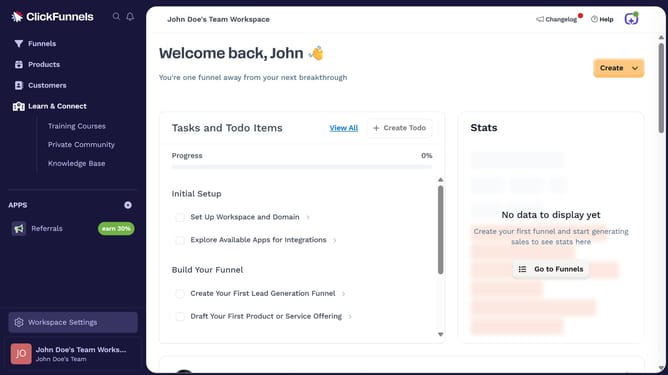
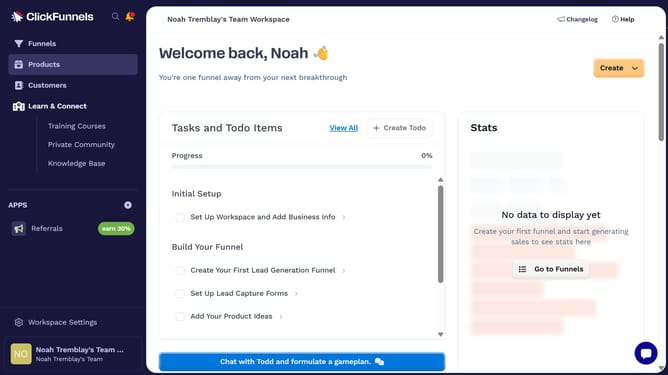
- First click on "Products" in the left sidebar to expand the products menu
- Then click on "All Products" submenu item in the left sidebar
- Next click on the "Modify columns" button in the top right corner of the products table
- Finally uncheck the "Product Name" checkbox to hide it
Why should you hide Product Name column in product view in ClickFunnels
ClickFunnels is a powerful tool designed to streamline the creation of sales funnels for online businesses.
One feature within ClickFunnels allows you to hide the Product Name column in the product view, enhancing customization.
Hiding this column can lead to a more streamlined visual presentation, helping you focus on other crucial information and simplifying data management for your team.
By removing unnecessary details, you can keep your interface clean, ensuring a smooth workflow and improving your productivity.
Last update