How to set a product to show in the customer center in ClickFunnels
Here is how to set a product to show in the customer center in clickfunnels
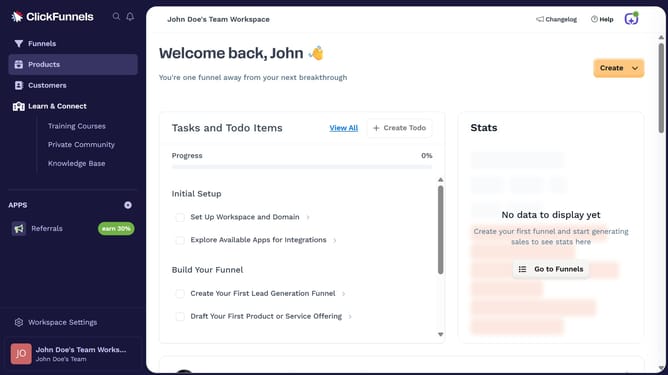
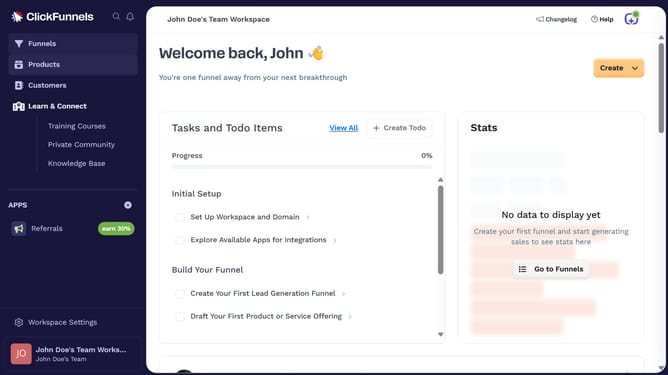
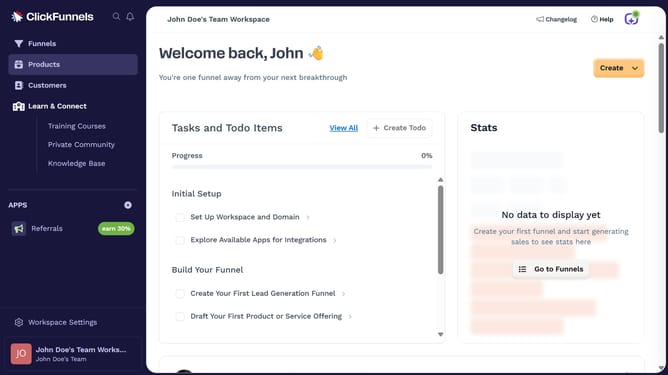
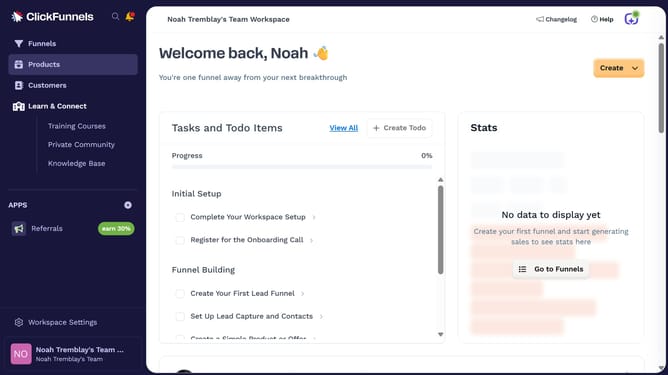
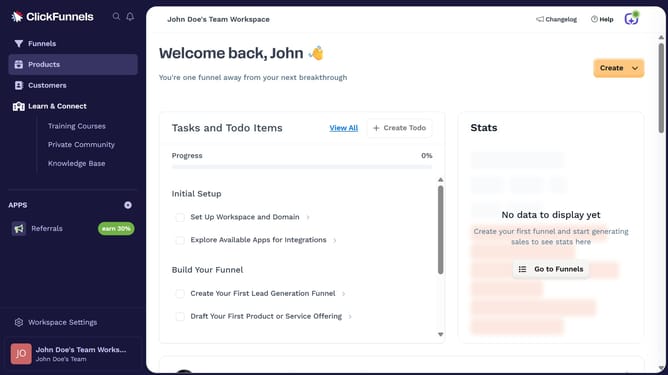
- First click on "Products" in the left sidebar navigation menu
- Then click on "All Products" in the expanded Products submenu
- Next select the product you want to show in the customer center
- Then toggle on the "Customer Center" visibility switch in the Sales Channel Visibility section
- Finally click on "Update Product" button in the top right corner to save the changes
Why should you set a product to show in the customer center in ClickFunnels
ClickFunnels is a robust platform designed to simplify the process of building sales funnels.
Setting a product to show in the ClickFunnels customer center enables users to streamline customer interactions and enhance their purchasing experience.
Utilizing this feature allows businesses to showcase specific products seamlessly, ensuring customers have easy access to essential information.
This approach not only promotes transparency but also strengthens customer loyalty, leading to increased satisfaction and repeat business.
Last update