How to remove ActiveCampaign integration in ClickFunnels
Here is how to remove activecampaign integration in clickfunnels
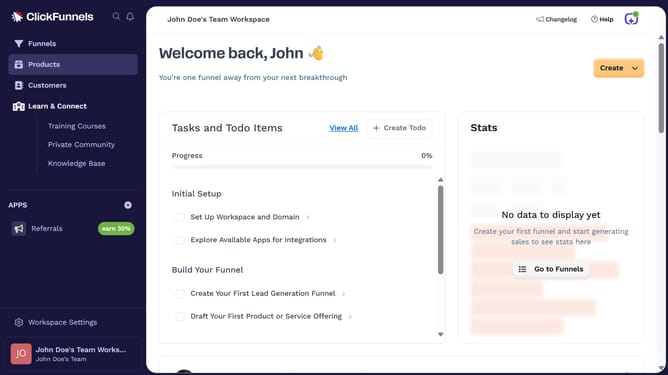
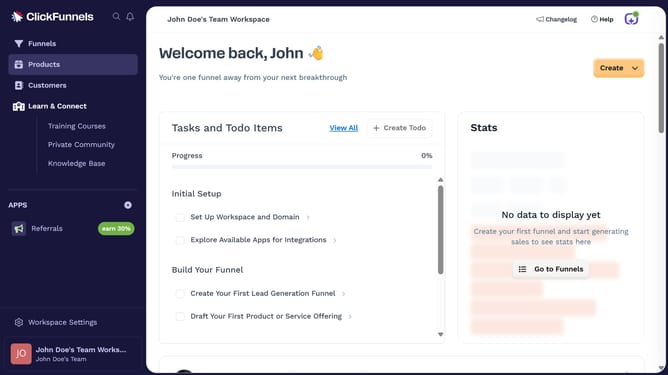
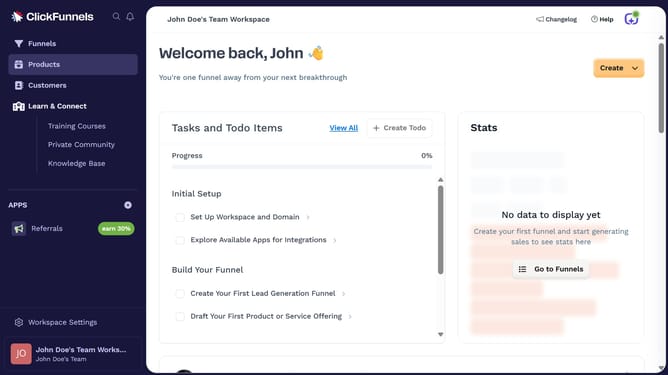
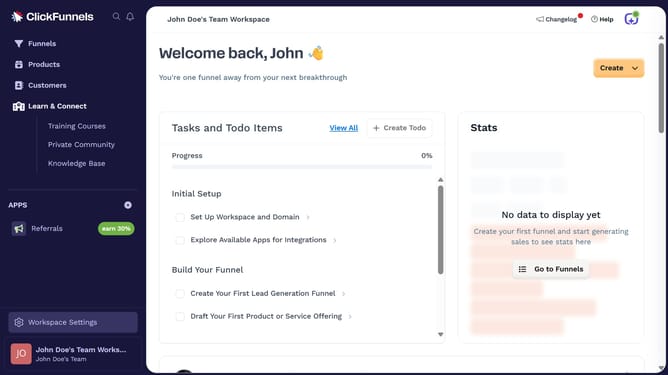
- First click on "Workspace Settings" in the left sidebar
- Then click on "Integrations" in the left sidebar menu
- Then click on the "ActiveCampaign" integration card
- Then click on the "ActiveCampaign Account" dropdown menu to view connected accounts
- Then click on the delete/disconnect icon next to the connected account
- Finally click on the "Disconnect" button in the confirmation dialog
Why should you remove ActiveCampaign integration in ClickFunnels
ClickFunnels is a powerful tool designed to simplify online sales funnel creation for businesses and entrepreneurs.
Sometimes, business needs change, making it necessary to adjust or remove integrations like ActiveCampaign from ClickFunnels. This process allows you to streamline your operations and focus on current strategies without extra complications.
Removing ActiveCampaign integration can maximize efficiency by eliminating redundant workflows, ensuring that your marketing tools dynamically adapt to your evolving business demands.
Last update