How to show Inventory column in product view in ClickFunnels
Here is how to show inventory column in product view in clickfunnels
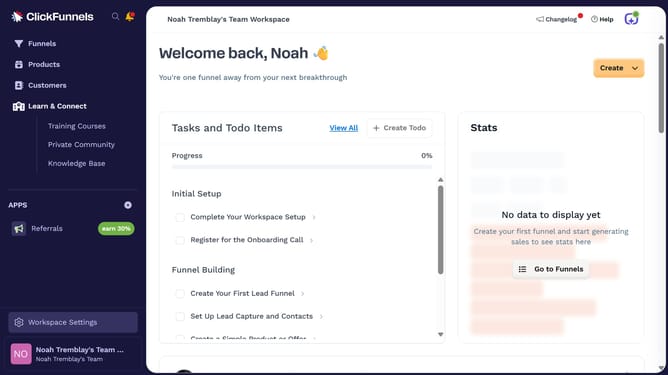
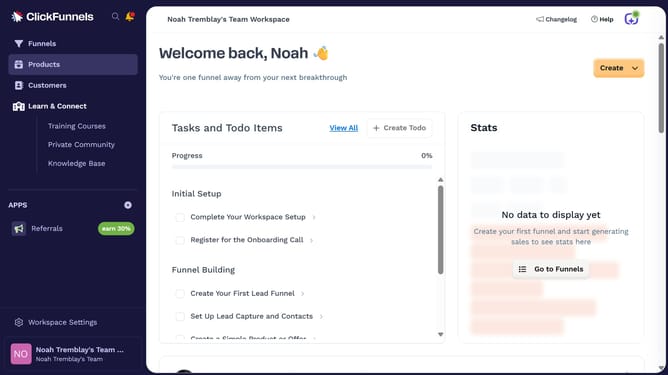
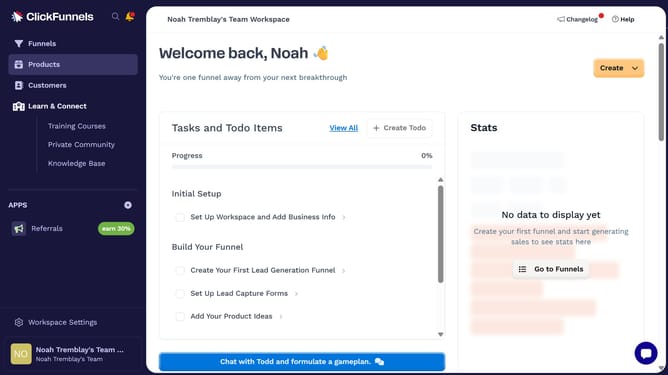
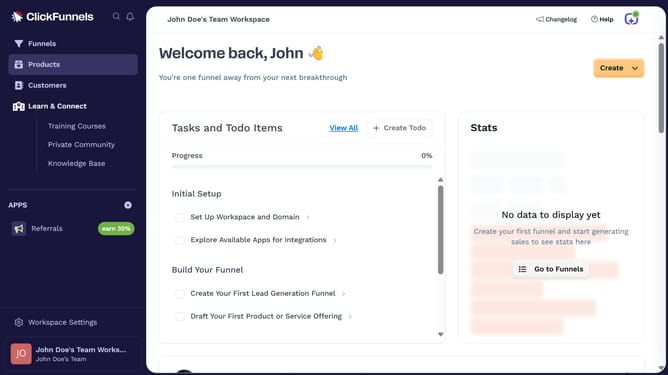
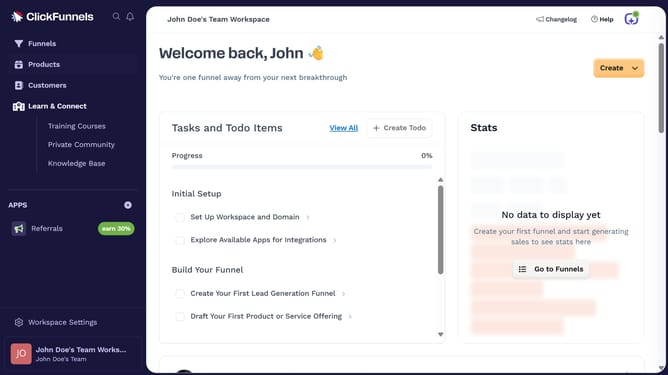
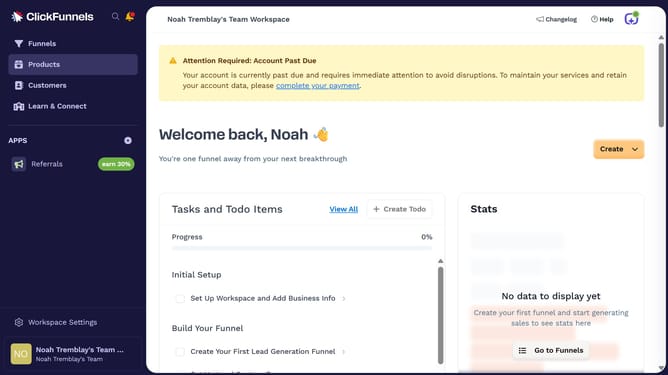
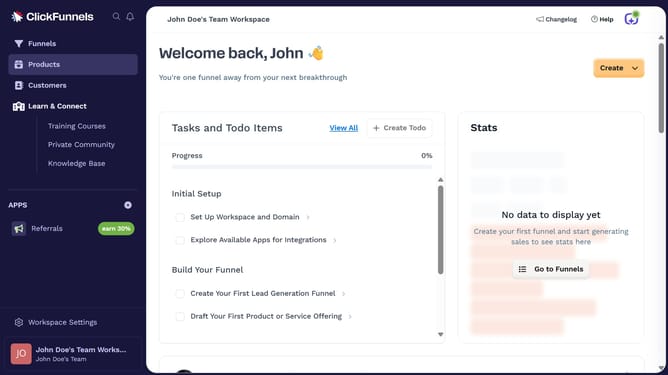
- First click on "Products" in the left sidebar
- Then click on "All Products" in the expanded Products submenu
- Then click on the "Modify columns" button in the top right corner of the products table
- Finally check the "Inventory" checkbox in the column modification dropdown menu to show it
Why should you show Inventory column in product view in ClickFunnels
ClickFunnels is a leading platform designed to simplify the sales funnel process for businesses aiming to convert online visitors into customers.
One valuable feature within ClickFunnels is the ability to display the Inventory column in the product view. This enhancement empowers users to manage and monitor stock levels effortlessly, ensuring they never miss a sales opportunity due to product shortages.
Showing the Inventory column allows users to have a concise overview of product availability directly within their sales dashboard. By keeping updated with inventory status, businesses can quickly respond to demand changes, maintaining customer satisfaction and optimizing revenue streams. This contributes to efficient sales management and growth-oriented decision-making.