How to sort products by high inventory in ClickFunnels
Here is how to sort products by high inventory in clickfunnels
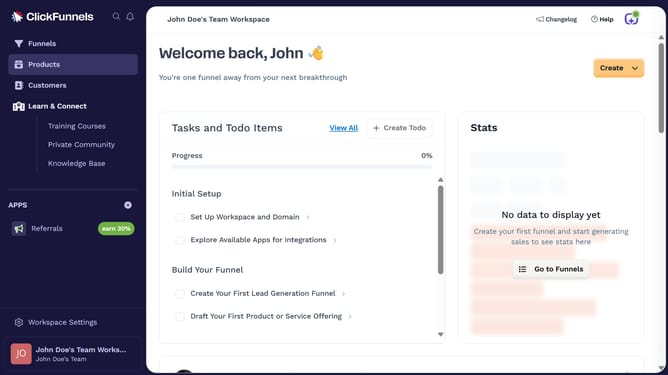
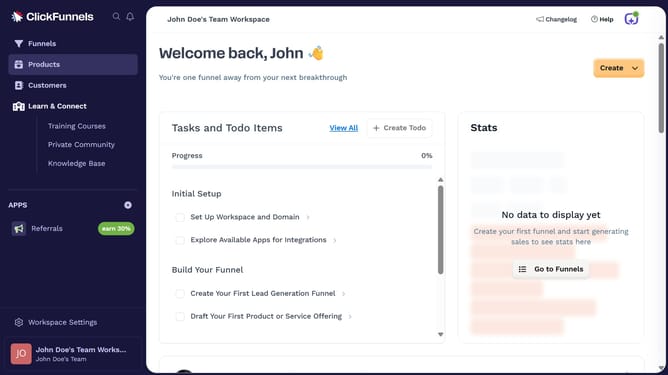
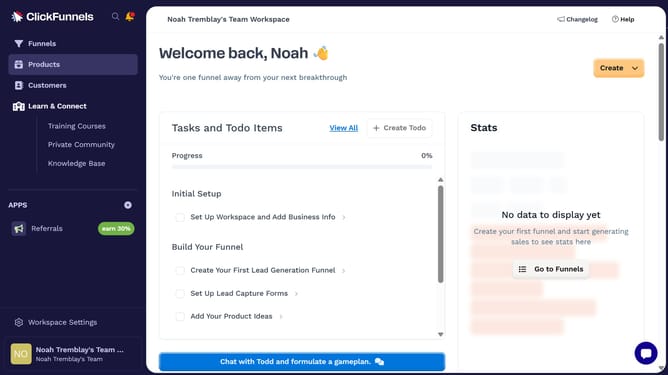
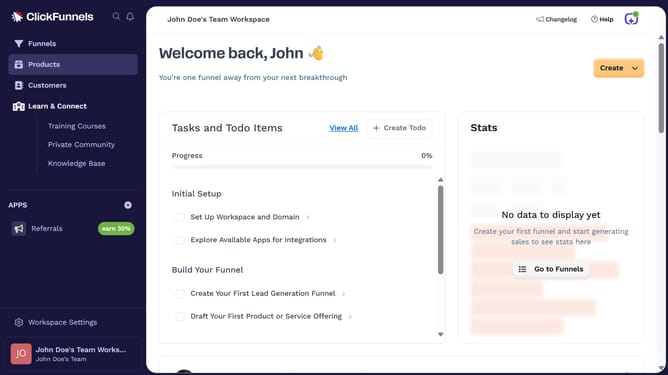
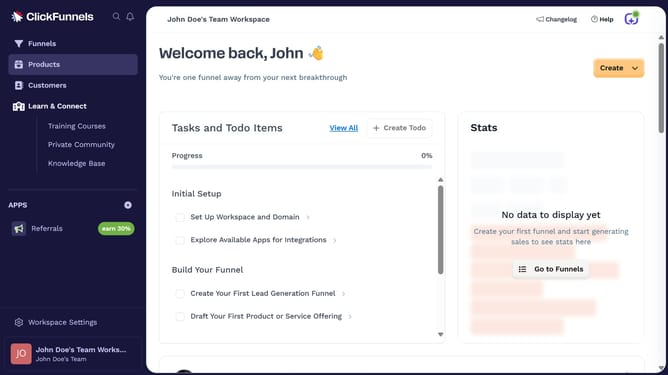
- First click on "Products" in the left sidebar to expand the products menu
- Then click on "All Products" submenu item in the left sidebar
- Next click on the "Sort by" dropdown button in the top right area of the products table
- Finally select "Inventory (high to low)" option from the sort by dropdown menu
Why should you sort products by high inventory in ClickFunnels
ClickFunnels is a comprehensive online platform designed to easily build and optimize sales funnels.
A valuable feature available in ClickFunnels is the ability to sort products by high inventory.
This capability allows users to effortlessly prioritize and manage stock, ensuring that high-demand items are always highlighted and strategically featured.
By utilizing this feature, businesses can efficiently allocate resources and drive potential sales, optimizing their inventory management for enhanced customer satisfaction.
Last update