How to set a product as hidden in ClickFunnels
Here is how to set a product as hidden in clickfunnels
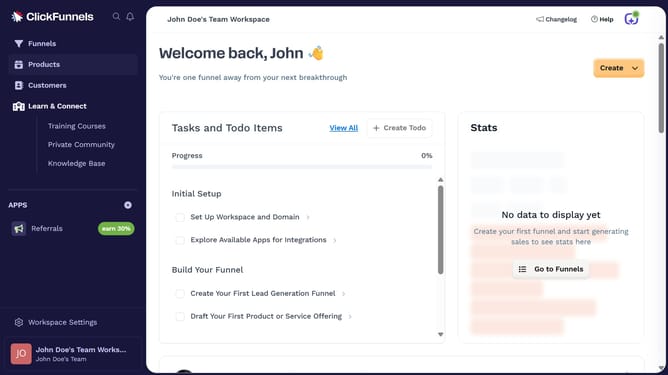
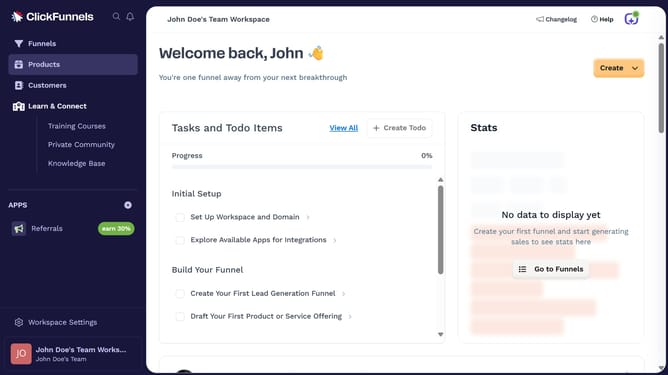
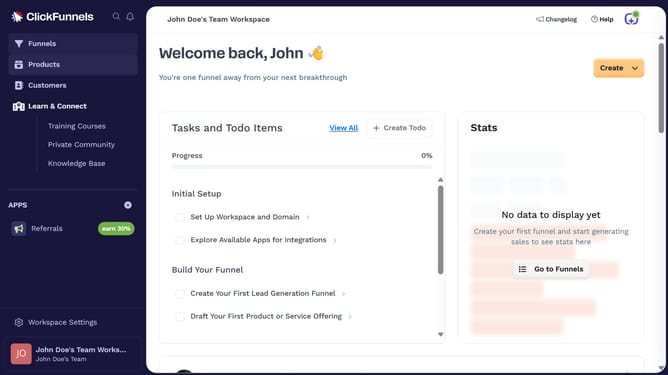
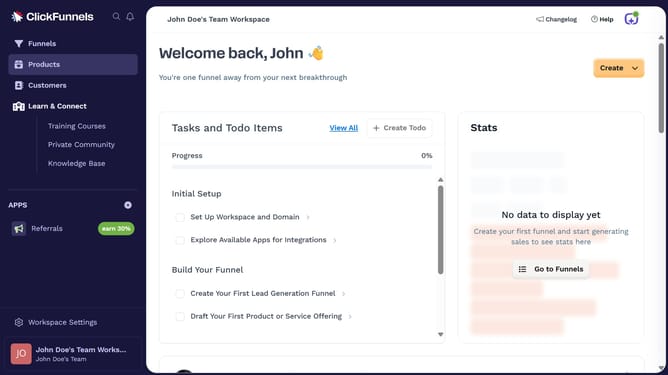
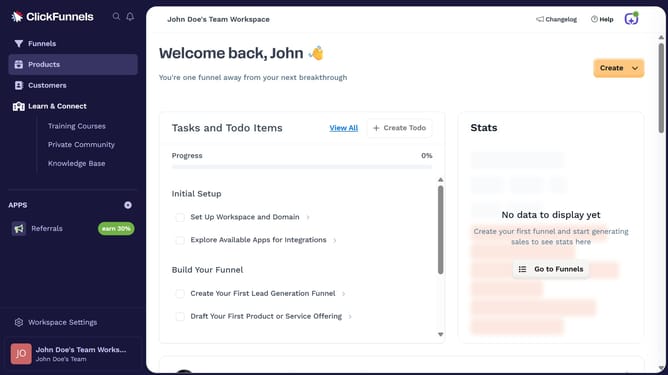
- First click on "Products" in the left sidebar to expand the products menu
- Then click on "All Products" submenu item in the left sidebar
- Next select the product you want to hide
- Then scroll to the Sales Channel Visibility section and toggle off both "Online Store" and "Customer Center" switches
- Finally click on "Update Product" button in the top right corner to save the changes
Why should you set a product as hidden in ClickFunnels
ClickFunnels is a dynamic tool designed to help businesses seamlessly build high-converting sales funnels.
One valuable feature within ClickFunnels is the ability to set a product as hidden. This feature allows business owners to control which products are visible to prospects and customers at any given time.
Utilizing this option provides strategic flexibility, enabling marketers to conduct exclusive promotions or manage product offerings more effectively, enhancing the client experience and driving targeted sales engagements.
Last update