How to integrate Keap with ClickFunnels
Here is how to integrate keap with clickfunnels
- First click on the "Keap" integration card in the integrations list
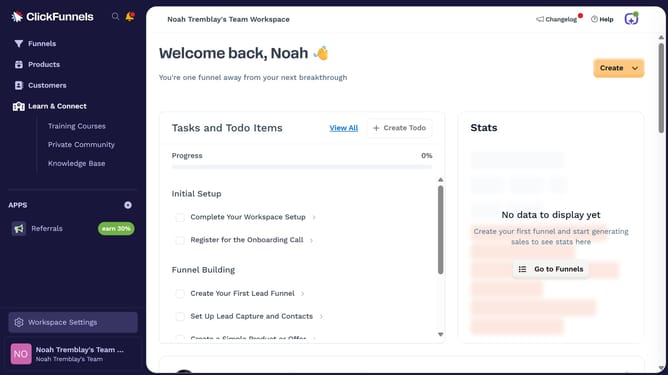
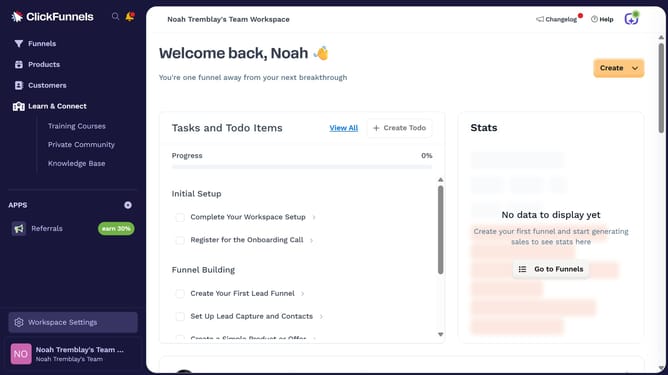
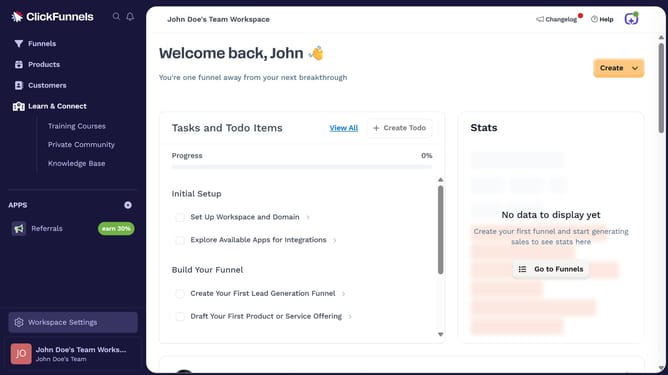
- Then click on "Workspace Settings" link in the left sidebar
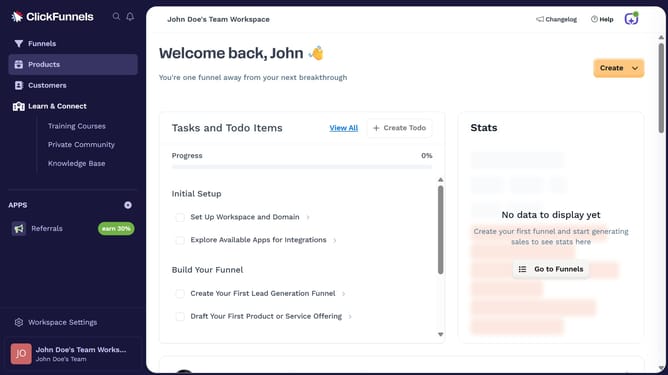
- Next click on "Integrations" menu item in the left sidebar under Workspace Settings
- Finally enter your Keap login email and password in the connection form, then click "Log in" to complete the integration
Why should you integrate Keap with ClickFunnels
ClickFunnels is an intuitive platform designed to effortlessly build sales funnels that convert prospects into customers.
By integrating Keap with ClickFunnels, businesses can streamline their customer relationship management and sales processes. This integration allows for seamless data transfer, ensuring that all customer interactions and transactions are efficiently tracked.
The collaboration enhances overall operational efficiency, enabling businesses to nurture leads more effectively and ultimately, drive higher sales. By automating tasks, the integration allows teams to focus on strategic growth efforts.
Last update