How to sort products by low inventory in ClickFunnels
Here is how to sort products by low inventory in clickfunnels
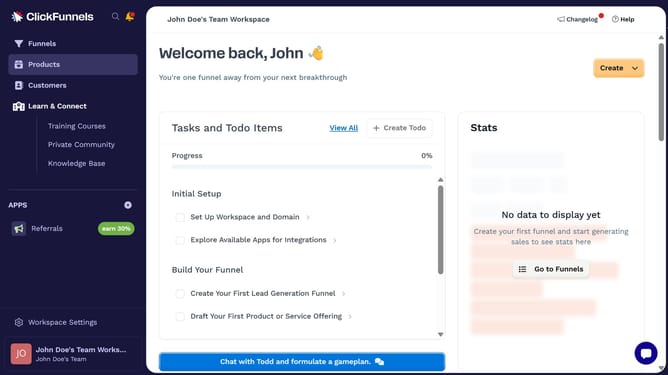
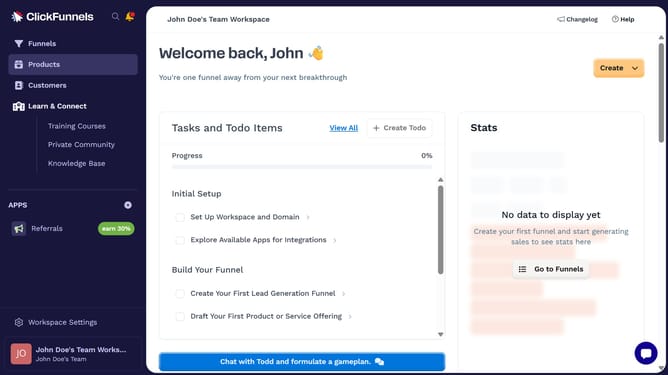
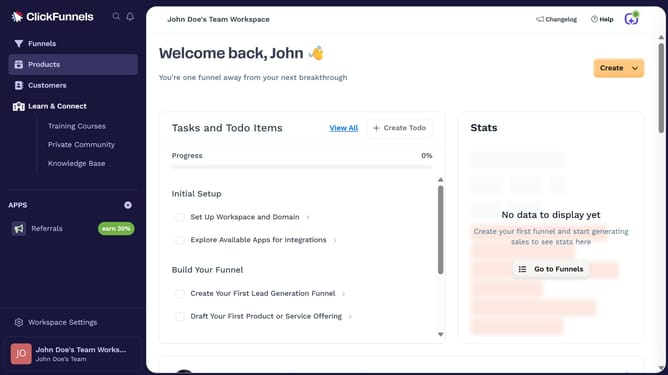
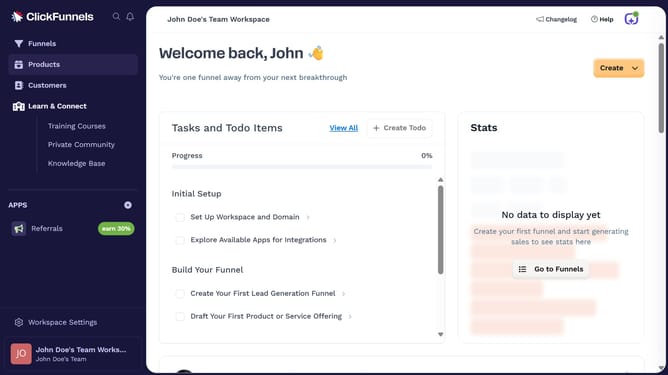
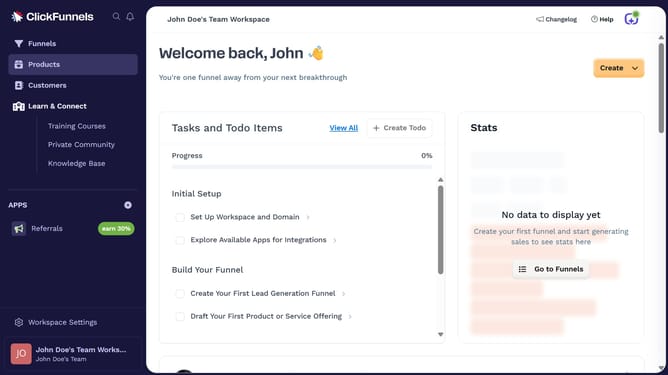
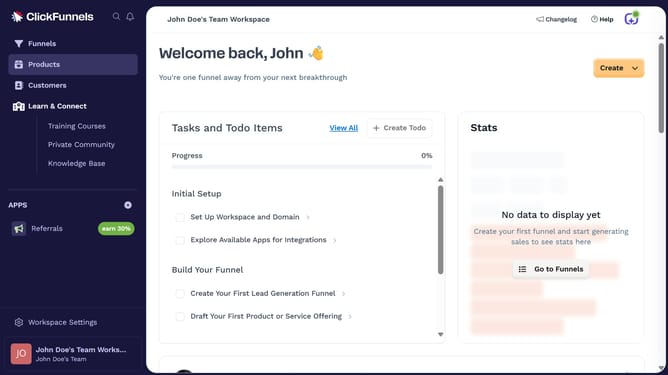
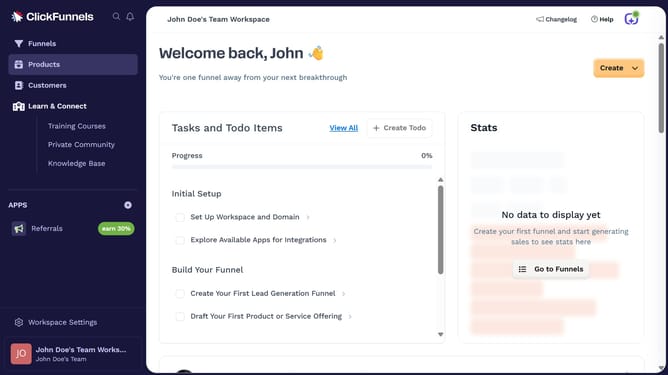
- First click on "Products" in the left sidebar to expand the products menu
- Then click on "All Products" submenu item in the left sidebar
- Next click on "Sort by" dropdown button in the top right area of the products table
- Finally select "Inventory (low to high)" option from the sort by dropdown menu
Why should you sort products by low inventory in ClickFunnels
ClickFunnels is a powerful tool designed to streamline the process of building sales funnels effectively.
Sorting products by low inventory in ClickFunnels provides clear insights into which items require restocking.
This feature ensures that your sales funnel runs smoothly without interruptions due to out-of-stock products.
Utilizing this capability, business owners can proactively manage inventory, prevent potential sales losses, and maintain customer satisfaction.
Last update