How to edit product SEO description in ClickFunnels
Here is how to edit product seo description in clickfunnels
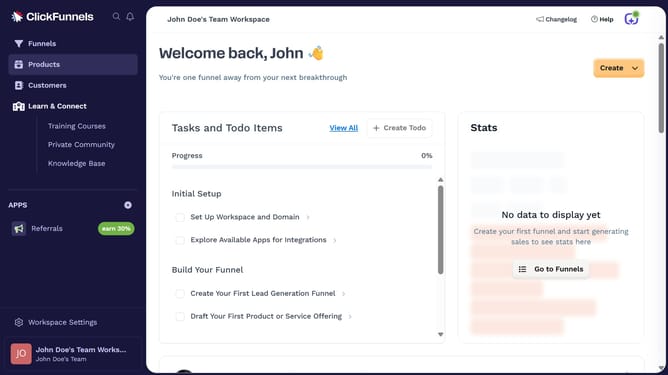
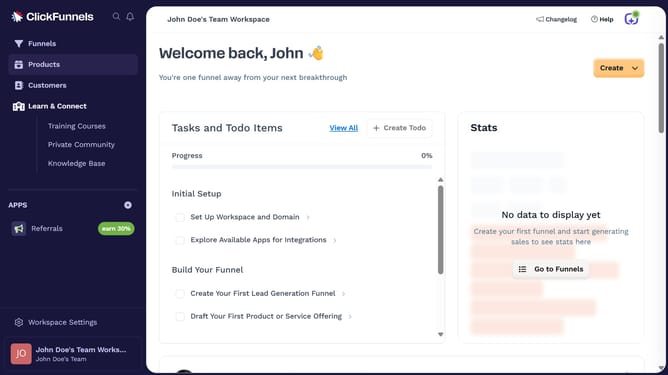
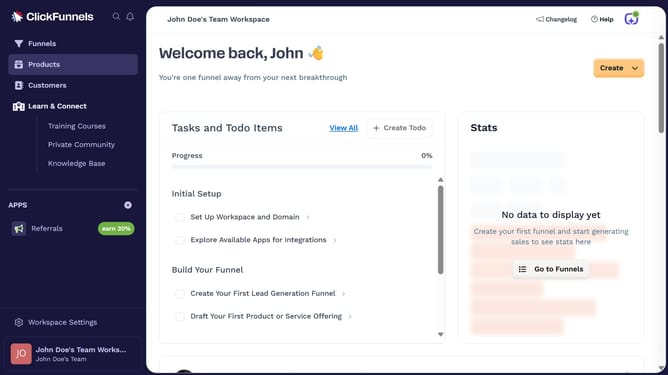
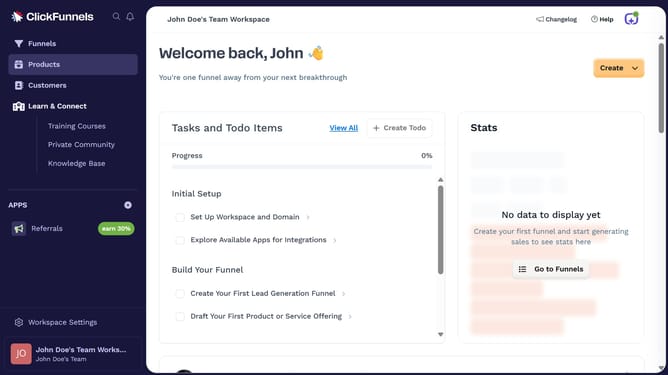
- First click on "Products" menu item in the left sidebar
- Then click on "All Products" submenu item under Products section
- Next select the product you want to edit
- Then click on "SEO and sharing" section to expand it
- Next click the description text field in the SEO and Sharing section to update it to your preferred text
- Finally click on "Update Product" button at the bottom right of the page
Why should you edit product SEO description in ClickFunnels
ClickFunnels is a powerful tool designed to streamline the creation of sales funnels and optimize online marketing.
Editing product SEO descriptions in ClickFunnels is a feature that allows you to enhance your product visibility by refining how your products appear in search results. This feature is essential for targeting specific keywords that can drive more traffic to your site.
By customizing your product SEO descriptions, you can increase your site's appeal to search engines and improve your overall search rankings. This not only boosts visibility but also amplifies sales potential.
Last update