How to show Visibility column in product view in ClickFunnels
Here is how to show visibility column in product view in clickfunnels
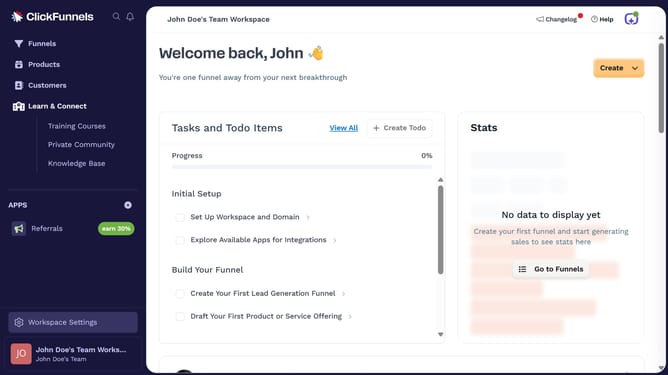
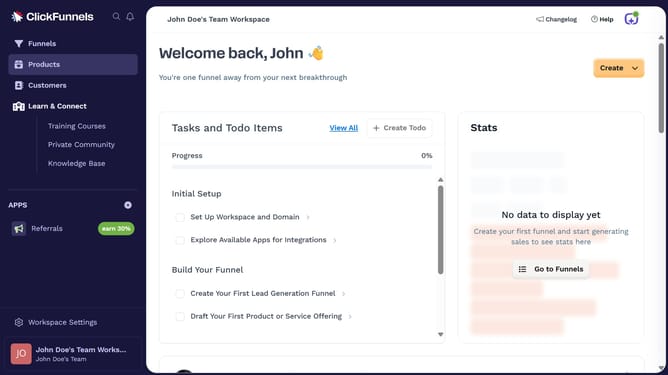
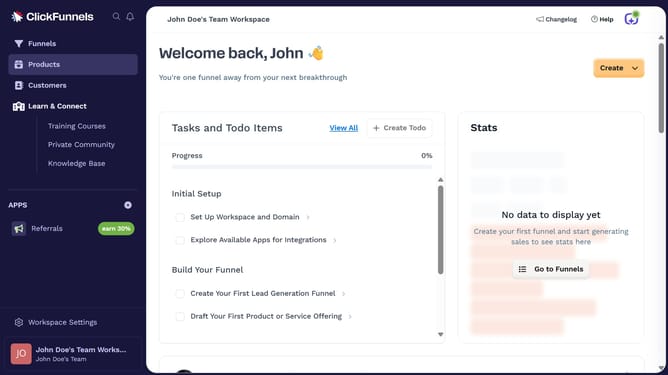
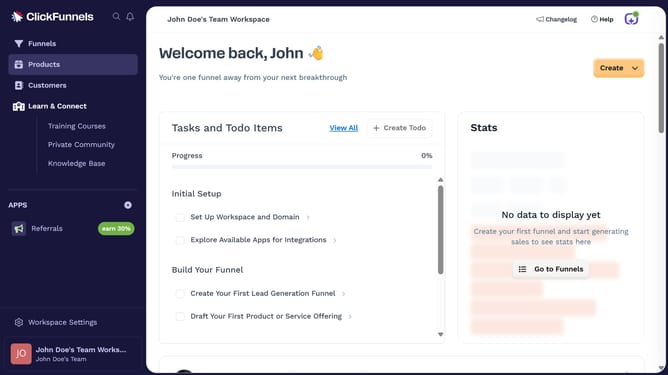
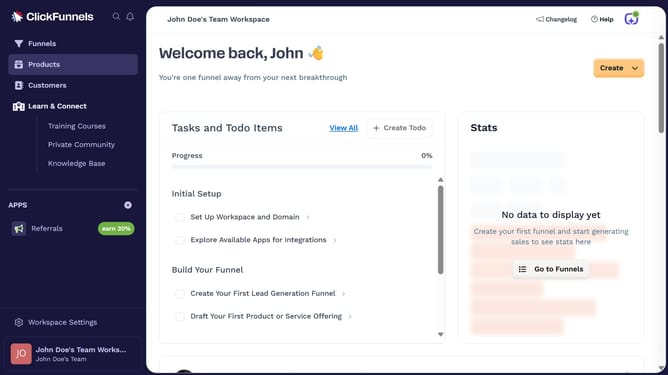
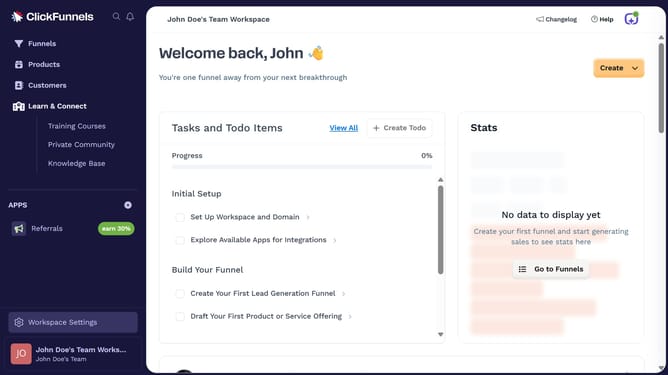
- First click on "Products" in the left sidebar to expand the products menu
- Then click on "All Products" submenu item in the left sidebar
- Next click on the column settings icon in the top right corner of the products table
- Finally check the "Visibility" checkbox in the column settings dropdown menu to show it
Why should you show Visibility column in product view in ClickFunnels
ClickFunnels is a versatile platform designed to simplify the process of building sales funnels for businesses of all sizes.
The Visibility column in the product view is a valuable feature in ClickFunnels that enhances user experience by providing clear insights at a glance.
Enabling this feature allows users to quickly determine which products are currently active or inactive, streamlining managerial tasks and improving efficiency.
By utilizing the Visibility column, businesses can make more informed decisions, ensuring their product offerings align seamlessly with their sales strategies.
Last update