How to remove a tag from a product in ClickFunnels
Here is how to remove a tag from a product in clickfunnels
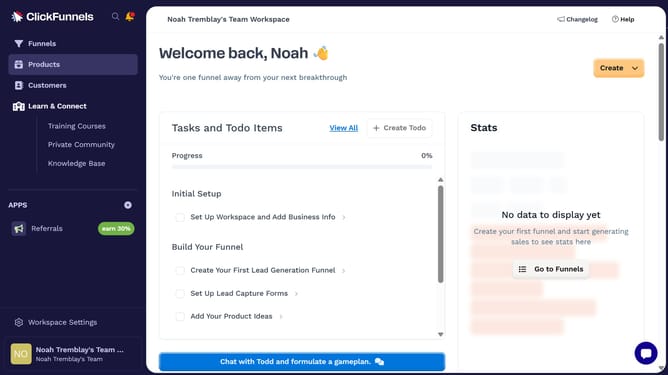
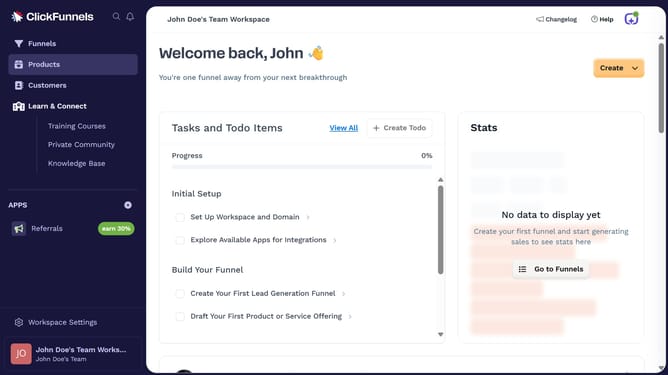
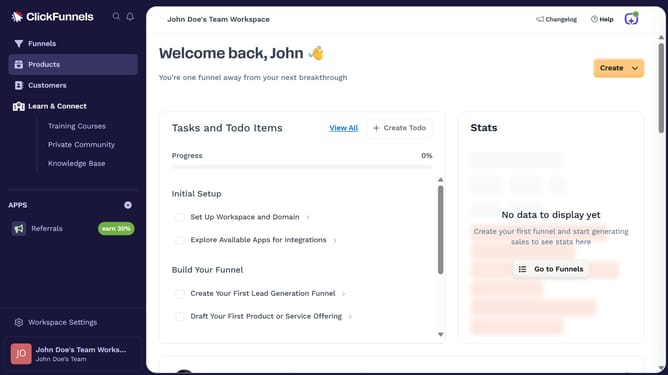
- First click on "Products" in the left sidebar menu
- Then click on "All Products" submenu item under Products section
- Next select the product you want to remove a tag from
- Finally click the "X" or remove icon next to the tag
Why should you remove a tag from a product in ClickFunnels
ClickFunnels is a powerful tool designed to help businesses create effective sales funnels effortlessly.
Removing a tag from a product in ClickFunnels is a straightforward feature that enhances organizational efficiency, allowing for seamless management of product settings.
This capability ensures that products remain accurately categorized, which is crucial for maintaining clarity and consistency within your sales processes.
By utilizing this feature, businesses can quickly adapt to evolving marketing strategies, ensuring their offerings are always relevant to their target audience.
Last update