How to hide Price column in product view in ClickFunnels
Here is how to hide price column in product view in clickfunnels
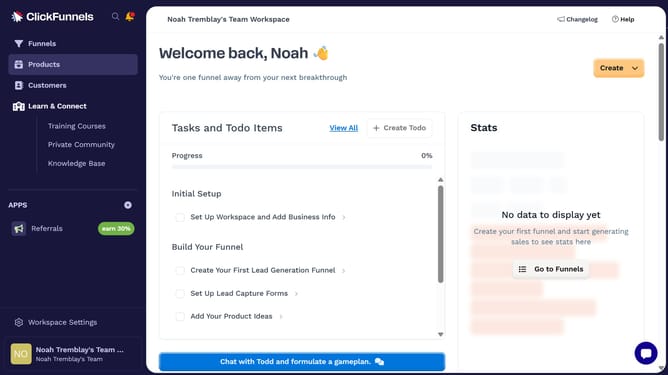
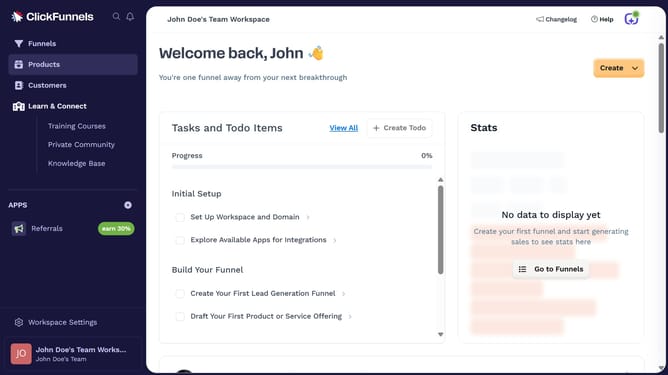
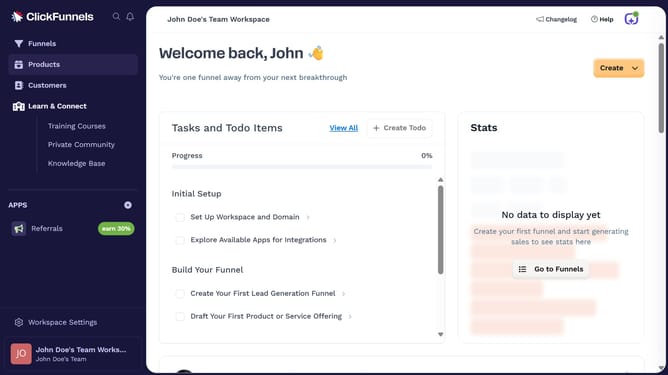
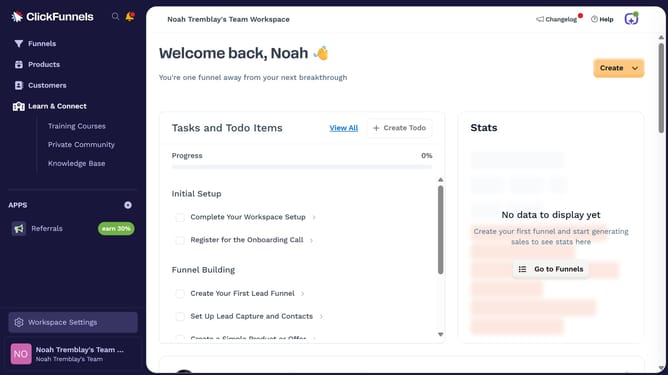
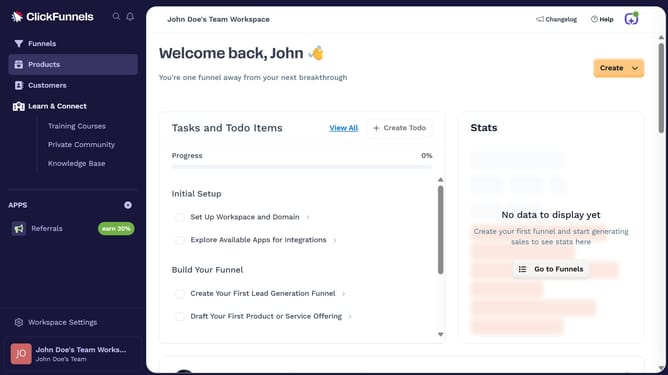
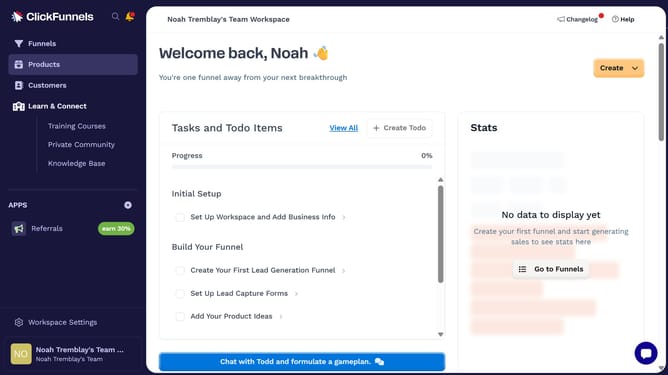
- First click on "Products" in the left sidebar to expand the products menu
- Then click on "All Products" submenu item under the Products section in the left sidebar
- Next click on the "Modify columns" button located in the top right area of the products table
- Finally uncheck the "Price" checkbox in the column modification dropdown menu to hide it
Why should you hide Price column in product view in ClickFunnels
ClickFunnels is a powerful platform designed to simplify the creation of sales funnels for successful online marketing.
The option to hide the Price column in product view within ClickFunnels is particularly valuable for businesses focusing on building relationships with customers before revealing pricing. This feature can help create a smoother, more focused user experience by removing potential distractions.
Using this capability allows for greater flexibility in presentation, empowering businesses to guide customers through their funnel journey without prematurely emphasizing costs.
Last update