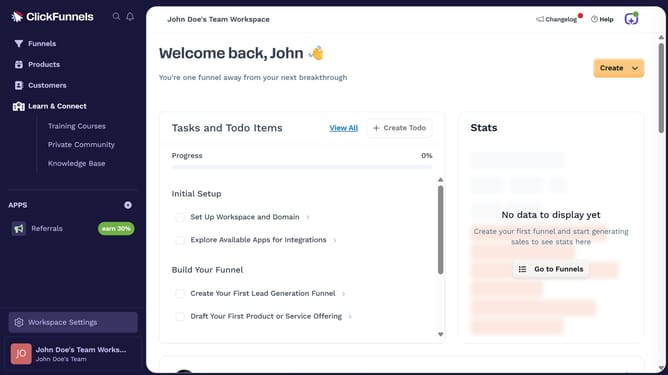
How to edit product variants in ClickFunnels
Here is how to edit product variants in clickfunnels
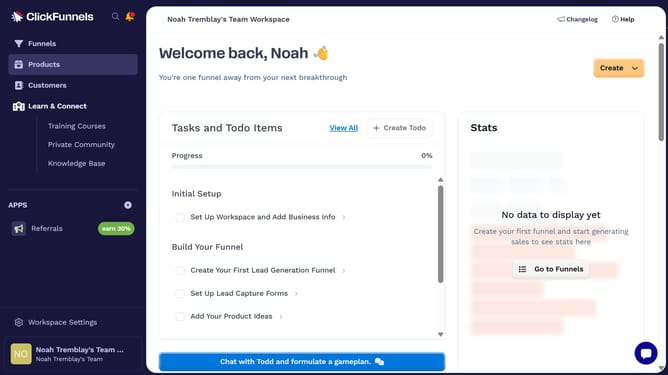
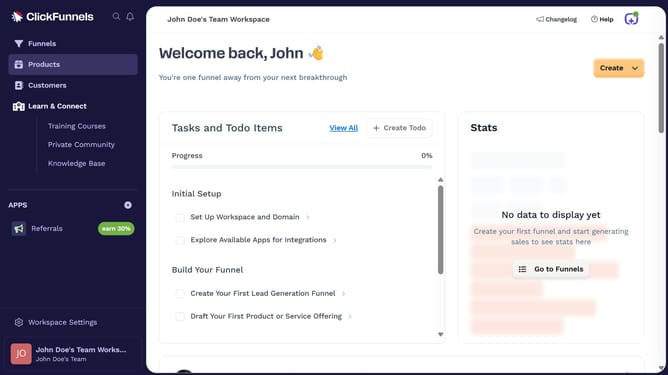
- First click on the "Products" link in the left sidebar menu
- Then click on "All Products" in the products submenu
- Next select the product that contains the variants you want to edit
- Then scroll to the "Variants" section and click the variant you want to modify
- Make your changes to the variant details inside the variant editor
- Then click the "Done" button to confirm the added color value
- Finally click the "Update Product" button in the top-right corner to save all changes
Why should you edit product variants in ClickFunnels
ClickFunnels is a powerful online platform designed to simplify the process of creating sales funnels that drive conversions.
Editing product variants in ClickFunnels allows you to customize and differentiate your products seamlessly. This feature offers a crucial advantage for entrepreneurs looking to tailor their offerings to diverse customer needs and preferences.
By fine-tuning product variants, you can enhance customer satisfaction and potentially boost sales, as personalization is key in today's competitive market.
Overall, this functionality adds flexibility in product presentation, helping businesses stay agile and responsive in an ever-evolving marketplace.
Last update