How to integrate Cvent with ClickFunnels
Here is how to integrate cvent with clickfunnels
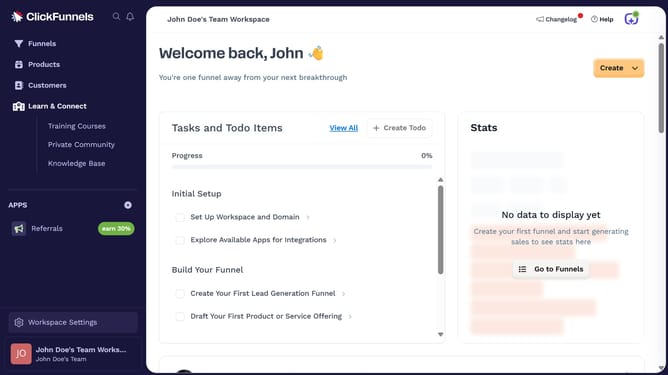
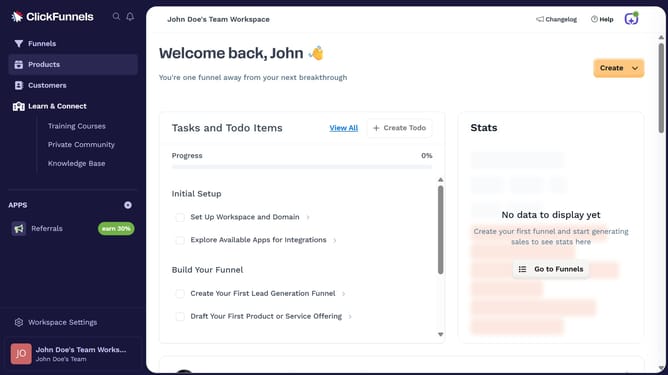
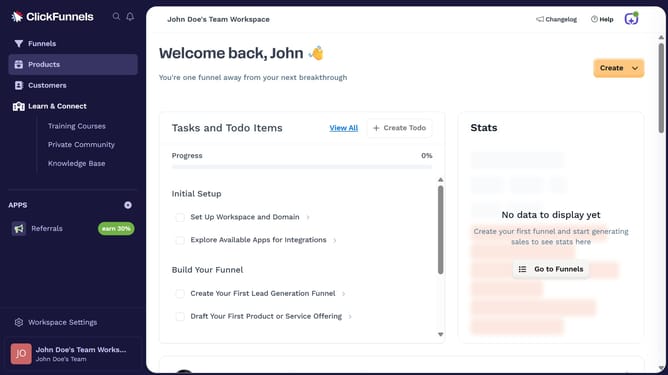
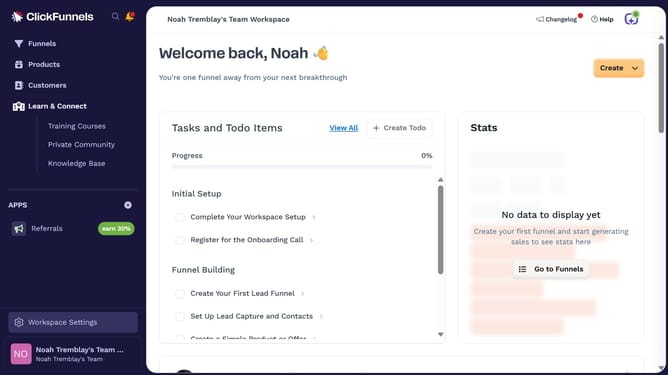
- First click on "Workspace Settings" button in the left sidebar
- Then click on "Integrations" menu item in the left sidebar under Workspace Settings
- Next click on the "Cvent" integration card in the main content area
- Finally enter your Client ID and Client Secret in the connection form and click "Proceed" to complete the integration
Why should you integrate Cvent with ClickFunnels
ClickFunnels is a powerful tool designed to help businesses create effective marketing funnels and automate their sales processes.
Integrating Cvent with ClickFunnels streamlines event management, making it easier to organize and track event details seamlessly. This integration enhances the efficiency of capturing leads and managing event registrations, providing a comprehensive view of both marketing and event metrics in a single place.
Using this integration, businesses benefit from a more cohesive strategy that combines event planning and sales funnel optimization, leading to improved engagement and better conversion rates.
Last update