How to turn on the online store toggle in ClickFunnels
Here is how to turn on the online store toggle in clickfunnels
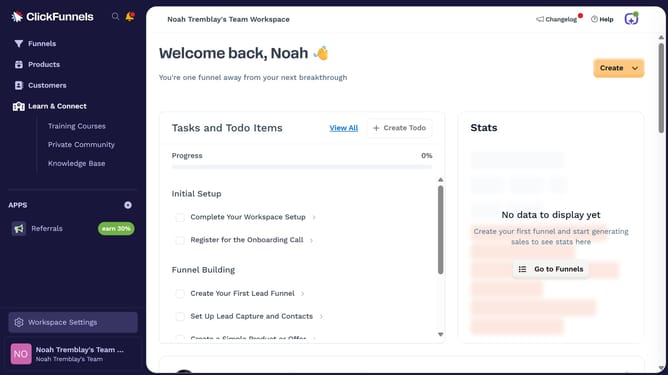
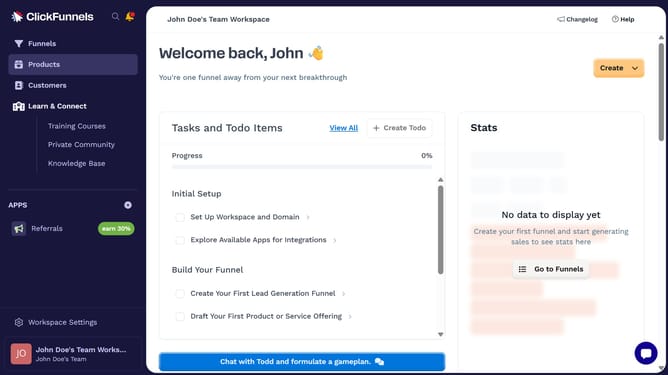
- First click on "Products" in the left sidebar navigation menu
- Then click on "All Products" in the expanded Products submenu
- Next select the product you want to update
- Then click on the "Online Store" toggle switch in the Sales Channel Visibility section to enable it
- Finally click on "Update Product" button in the top right corner to save the changes
Why should you turn on the online store toggle in ClickFunnels
ClickFunnels simplifies and streamlines sales funnel creation, empowering businesses to convert leads effortlessly.
Enabling the online store toggle in ClickFunnels opens a gateway for businesses to seamlessly sell products and services within their sales funnels. This intuitive feature ensures that users can manage their online store with ease and efficiency, boosting their e-commerce capabilities.
By turning on this feature, businesses benefit from increased sales reach and the ability to customize the shopping experience, leading to improved customer satisfaction and retention.
Last update