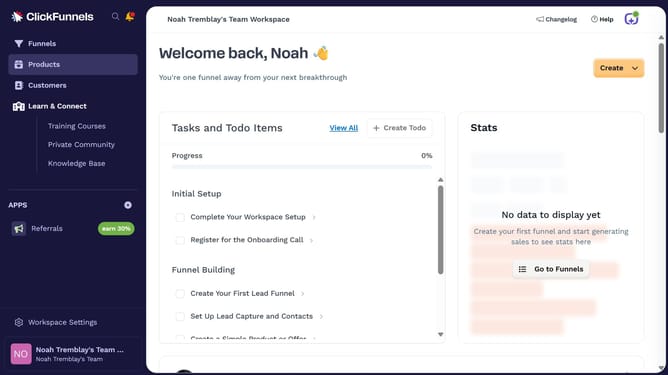
How to show the Steps column in ClickFunnels
Here is how to show the steps column in clickfunnels
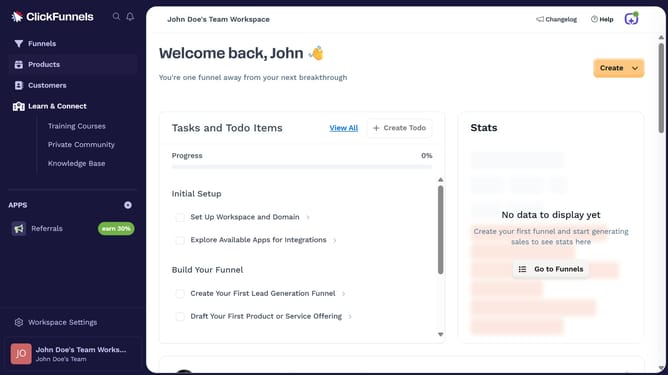
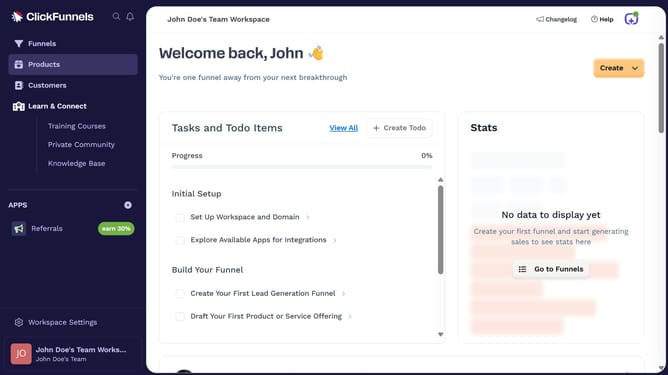
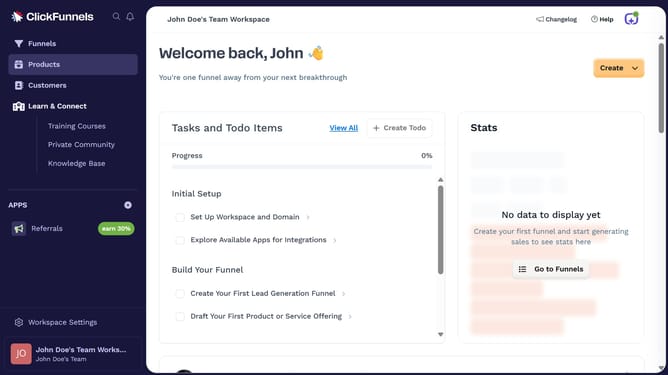
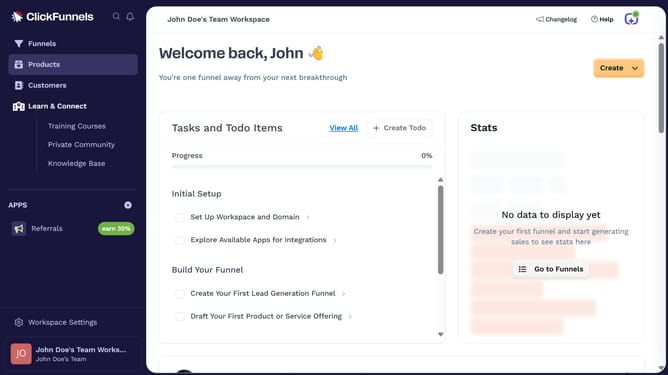
- First click on the "Funnels" option in the left sidebar menu
- Then click on the "Modify columns" button in the top right of the funnel list view
- Finally select the "Steps" checkbox in the column modification dropdown menu
Why should you show the Steps column in ClickFunnels
ClickFunnels is a powerful online platform designed to simplify the creation of sales funnels to maximize conversion rates.
One notable feature is the Steps column, which provides a clear overview of all key stages involved in your funnel process. By displaying the Steps column, users can easily track their customer journey and ensure every segment is optimized effectively.
This feature aids in monitoring progress, identifying potential bottlenecks, and making strategic adjustments for improved outcomes. Accessing this feature enhances user experience and streamlines funnel management seamlessly.
Last update