How to disconnect Mailchimp Transactional from ClickFunnels
Here is how to disconnect mailchimp transactional from clickfunnels
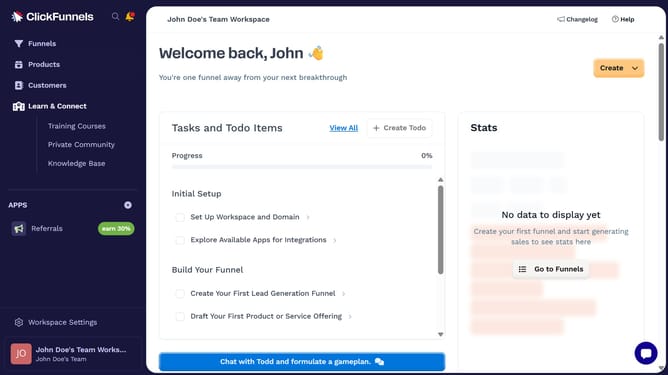
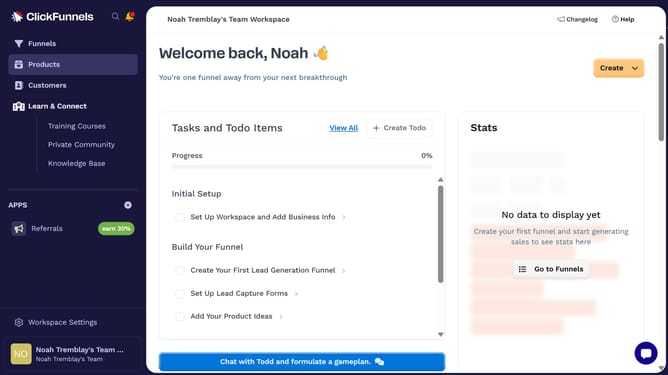
- First click on "Workspace Settings" link in the left sidebar
- Then click on "Integrations" menu item in the left sidebar
- Next click on "Mailchimp Transactional" integration card in the main content area
- Then click on the dropdown menu button next to the Mailchimp Transactional Account field
- Next click on the delete/disconnect icon button in the dropdown menu
- Finally click on "Disconnect" button in the confirmation dialog
Why should you disconnect Mailchimp Transactional from ClickFunnels
ClickFunnels is a powerful platform designed to help users build impressive sales funnels with ease.
Disconnecting Mailchimp Transactional from ClickFunnels allows for a streamlined focus, enhancing the efficiency of your marketing strategy.
By disconnecting, you gain greater control over your email marketing tools, tailoring customer experiences even more precisely.
This action can lead to a more customized and targeted approach, ensuring that your marketing campaigns are as effective as possible.
Last update