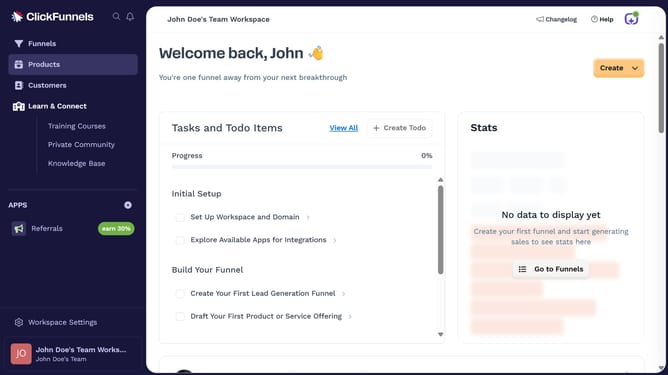
How to create a product tag in ClickFunnels
Here is how to create a product tag in clickfunnels
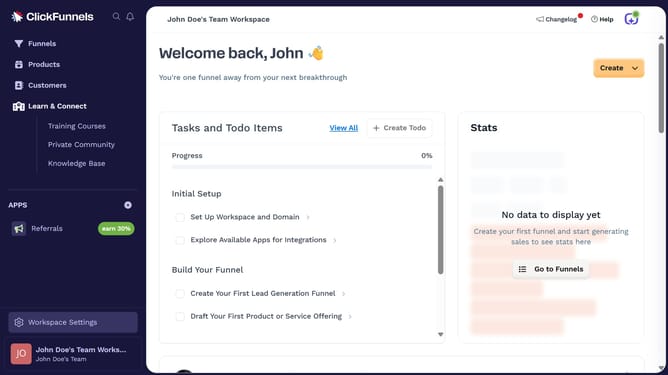
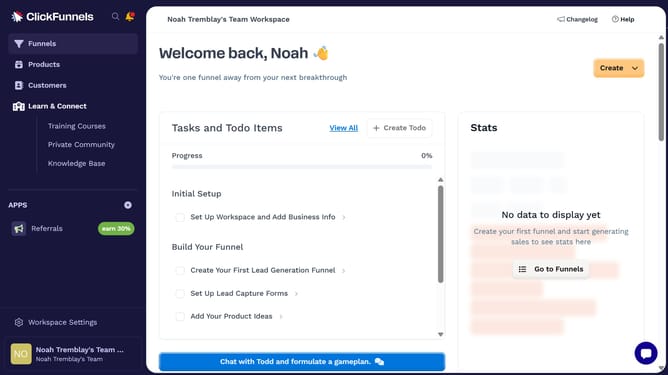
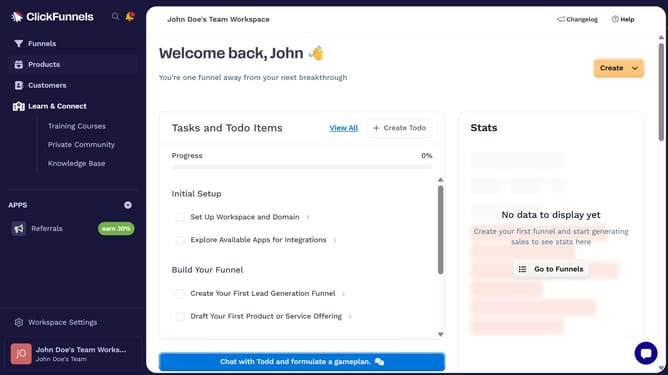
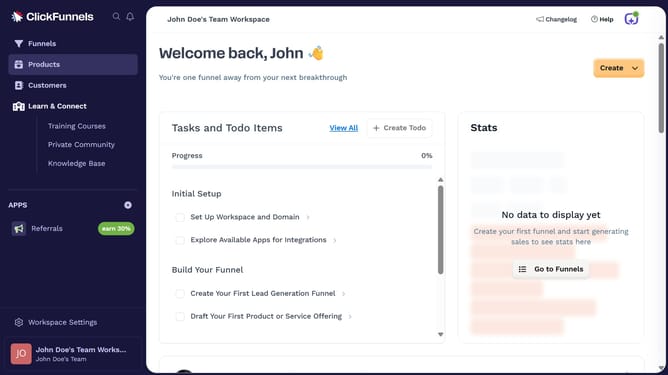
- First click on "Workspace Settings" link in the left sidebar
- Then click on "Tags" option in the left sidebar menu
- Next click on "Products" item in the expanded Tags submenu
- Then click on "Add Product Tag" button in the top right corner of the main content area
- Next click in the "Name" text input field to enter the tag name
- Finally click on "Create Product Tag" button in the top right corner to save the new tag
Why should you create a product tag in ClickFunnels
ClickFunnels is a powerful platform designed to streamline the process of building effective sales funnels for online businesses.
Creating a product tag in ClickFunnels enhances product organization and improves customer navigation. By using product tags, you can easily categorize and group products, making it simple to manage multiple items in your sales funnels.
This feature is beneficial as it enables seamless product management, ensuring a smoother experience for your customers and ultimately boosting your sales potential.
Last update