How to customize product link preview title in ClickFunnels
Here is how to customize product link preview title in clickfunnels
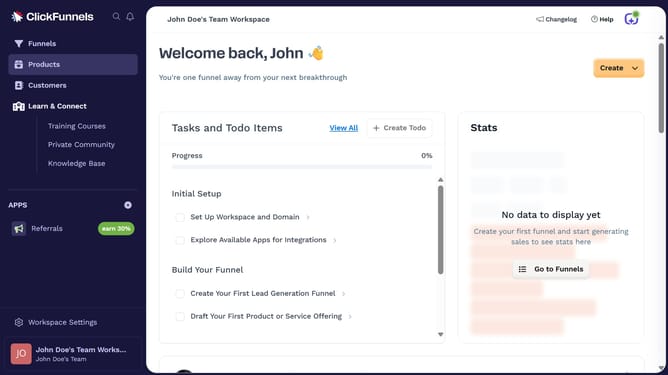
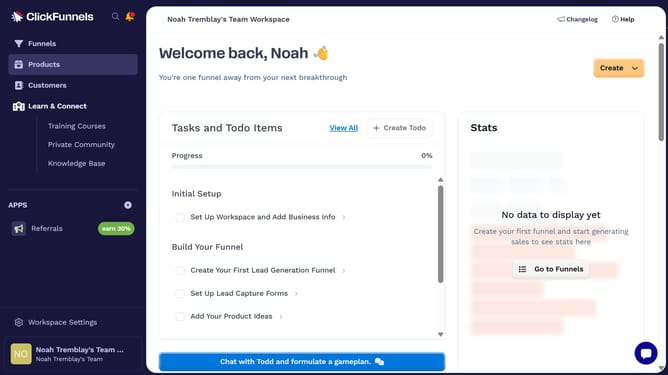
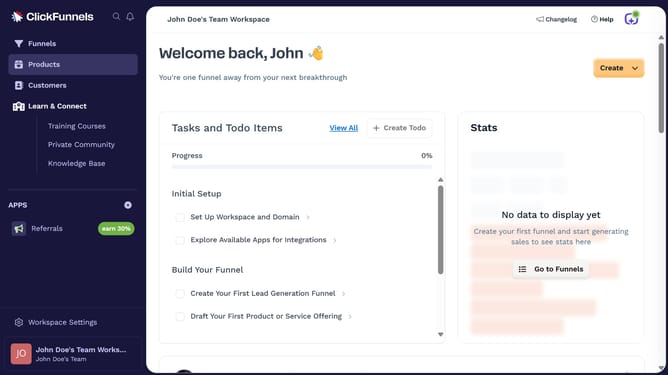
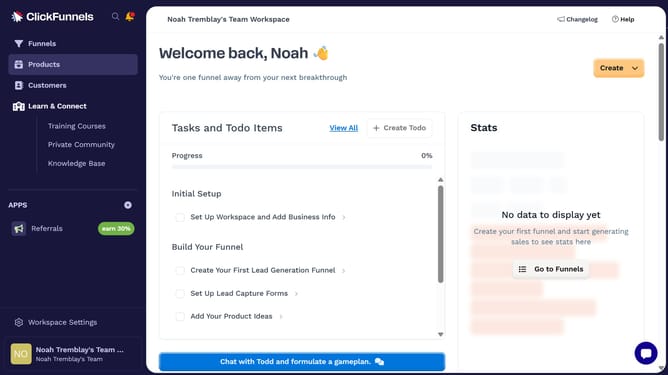
- First click on "Products" in the left sidebar menu
- Then click on "All Products" in the expanded Products submenu
- Next select the product you want to customize
- Then click on "Edit SEO and sharing" link in the SEO and sharing section
- Next enter your preferred text in the "Title" field
- Finally click on "Update Product" button at the bottom right of the page
Why should you customize product link preview title in ClickFunnels
ClickFunnels is an innovative platform designed to streamline the creation and management of sales funnels for businesses of all sizes.
One notable feature is its ability to allow users to customize the product link preview title.
Personalizing the preview title contributes to a more appealing and consistent brand image, capturing the attention of potential customers.
By making your links stand out, you enhance click-through rates, steering more traffic to your sales pages effectively.
This simple customization can significantly impact your online marketing success.
Last update