How to bulk set visibility of products in ClickFunnels
Here is how to bulk set visibility of products in clickfunnels
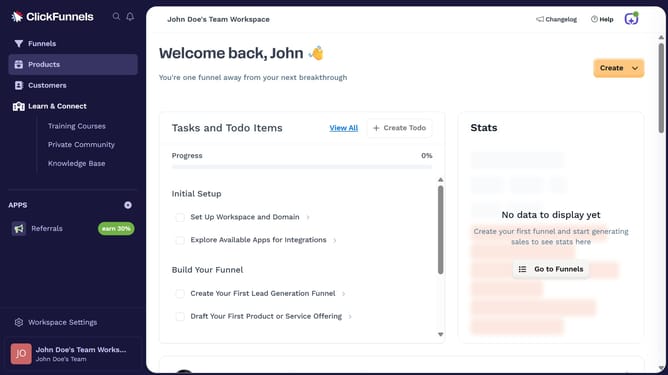
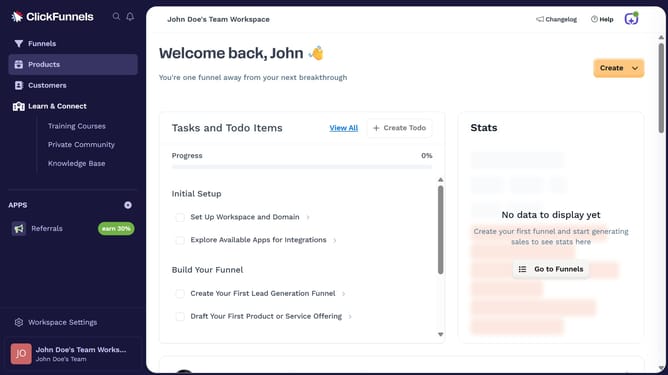
- First click on "Products" in the left sidebar to expand the products menu
- Then click on "All Products" submenu item in the left sidebar
- Then check the boxes beside the products you want to update
- Then click on "Bulk actions" dropdown button to view available bulk actions
- Then click on "Set Visibility of Selected" option from the bulk actions dropdown menu
- Then choose your preferred visibility setting in the modal dialog
- Finally click on "Save" button to confirm and save the visibility changes
Why should you bulk set visibility of products in ClickFunnels
ClickFunnels is a powerful platform designed to simplify the process of building high-converting sales funnels.
The ability to bulk set visibility of products in ClickFunnels is a game-changer for efficiency. This feature allows users to manage multiple products at once, saving substantial time and effort.
By streamlining the visibility settings, businesses can ensure consistent product displays and quickly adapt to marketing strategies. This enhances operational efficiency and ensures a seamless experience for customers.
Overall, this bulk setting feature boosts productivity, allowing businesses to focus on growth and customer engagement.
Last update