How to show the Unique visitors column in ClickFunnels
Here is how to show the unique visitors column in clickfunnels
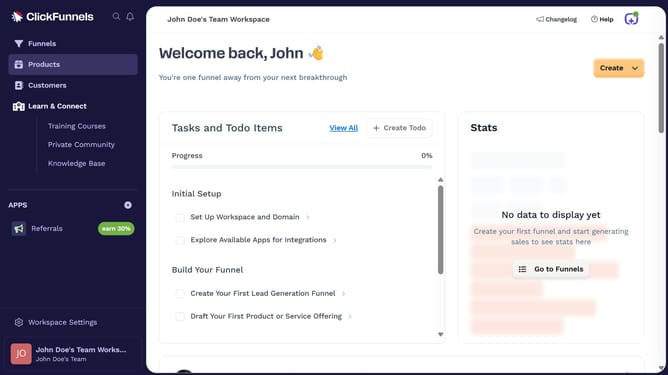
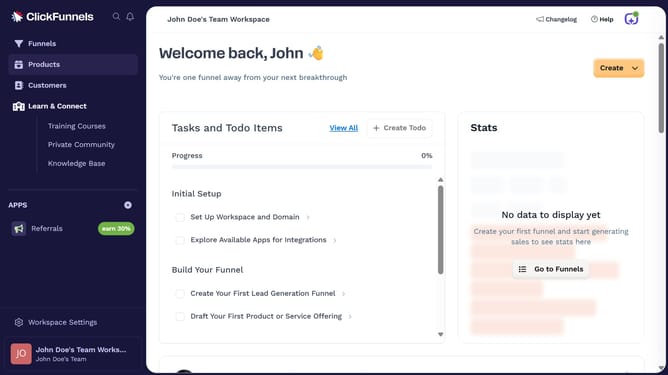
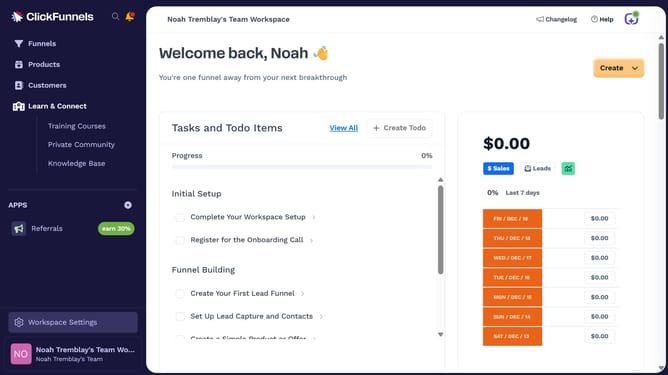
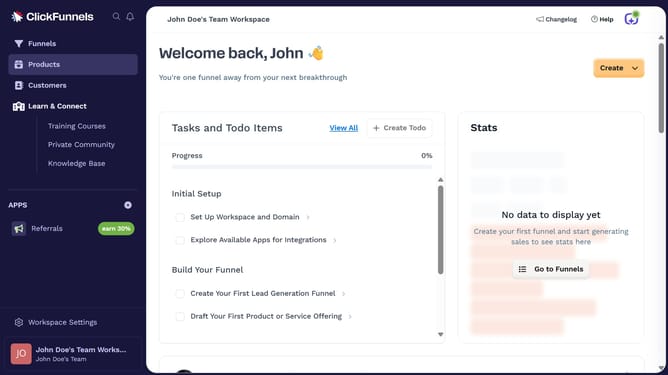
- First click on the "Funnels" link in the left sidebar navigation menu
- Then click on the "Modify columns" button in the top right corner of the funnels view
- Finally check the "Unique visitors" checkbox from the columns modification dropdown menu
Why should you show the Unique visitors column in ClickFunnels
ClickFunnels is a robust platform designed to easily create effective sales funnels.
Displaying the Unique Visitors column in ClickFunnels is a vital feature that helps monitor and analyze website traffic efficiently.
Understanding the number of unique visitors provides crucial insights into your marketing strategies' effectiveness, ensuring you can make informed decisions to enhance engagement.
By accessing this feature, users gain a clearer picture of their audience reach, enabling better optimization of their sales funnels.
Last update