How to sort products A–Z in ClickFunnels
Here is how to sort products a–z in clickfunnels
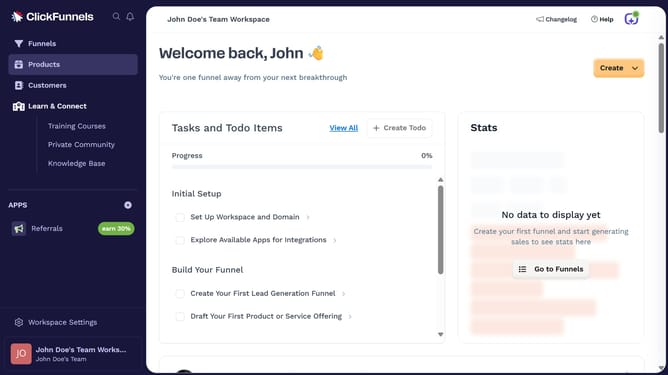
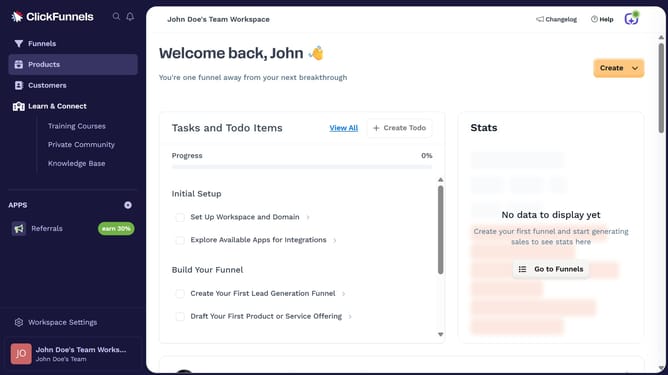
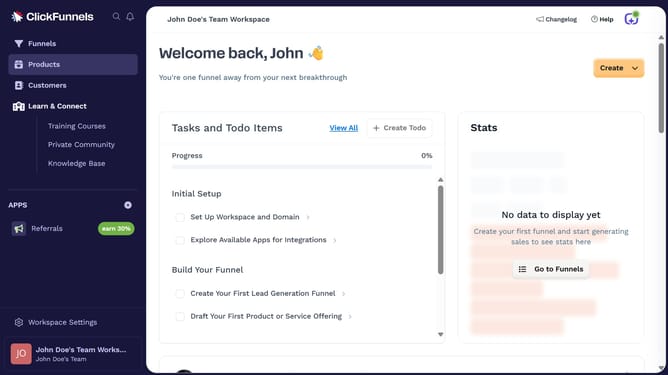
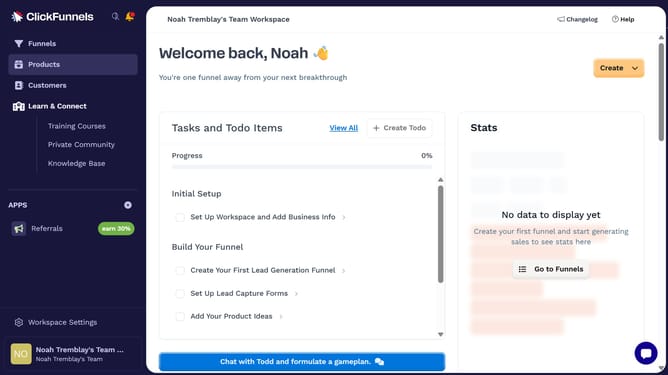
- First click on "Products" in the left sidebar to expand the products menu
- Then click on "All Products" submenu item in the left sidebar
- Next click on the "Sort by" dropdown button in the top right area of the products table
- Finally select "Product name (A-Z)" option from the sort by dropdown menu
Why should you sort products A–Z in ClickFunnels
ClickFunnels is an innovative platform designed to streamline the creation and optimization of sales funnels for businesses.
Sorting products A–Z in ClickFunnels enhances the shopping experience by providing an organized and intuitive product listing.
By arranging items alphabetically, it becomes easier for customers to find what they're looking for, improving navigation and overall satisfaction.
This feature not only saves time but also adds a layer of professionalism to your online store, showcasing your products with clarity and precision.
Last update