How to show Product Name column in product view in ClickFunnels
Here is how to show product name column in product view in clickfunnels
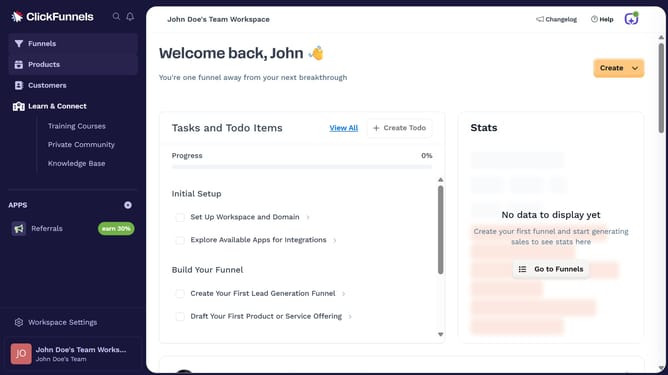
- First click on "Products" in the left sidebar to expand the products menu
- Then click on "All Products" submenu item in the left sidebar
- Next click on the "Modify columns" button in the top right area of the products table
- Finally check the "Product Name" checkbox to show it
Why should you show Product Name column in product view in ClickFunnels
ClickFunnels is a powerful tool designed to simplify the process of funnel creation for online businesses.
In ClickFunnels, showing the Product Name column in the product view is a beneficial feature that enhances the management experience. It provides a clearer overview of your product line, allowing for more organized and efficient tracking.
Having this column visible helps streamline the decision-making process as you manage your inventory, ensuring vital product information is at hand with ease.
Last update