How to disconnect HubSpot from ClickFunnels
Here is how to disconnect hubspot from clickfunnels
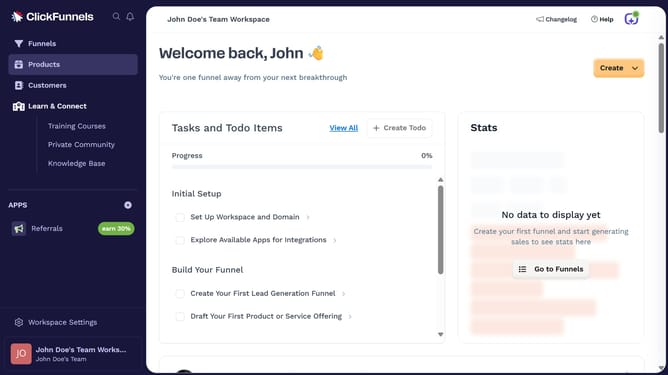
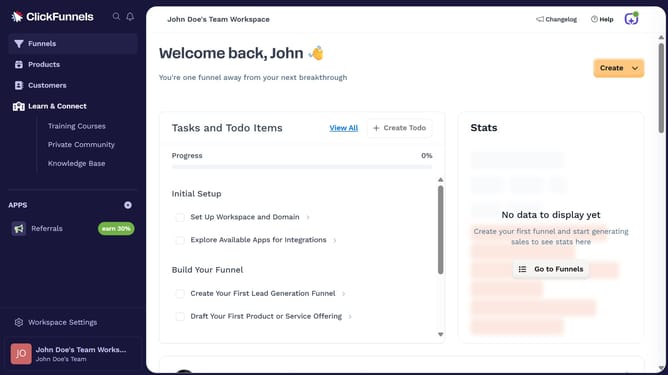
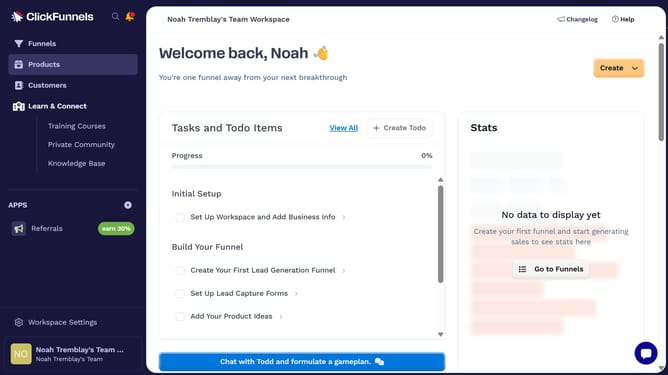
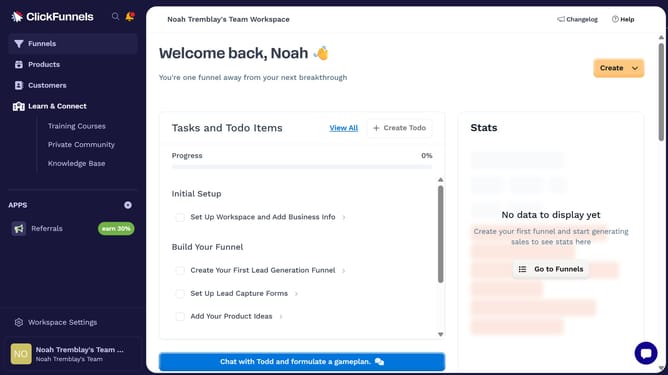
- First click on the "HubSpot" integration card in the Apps section
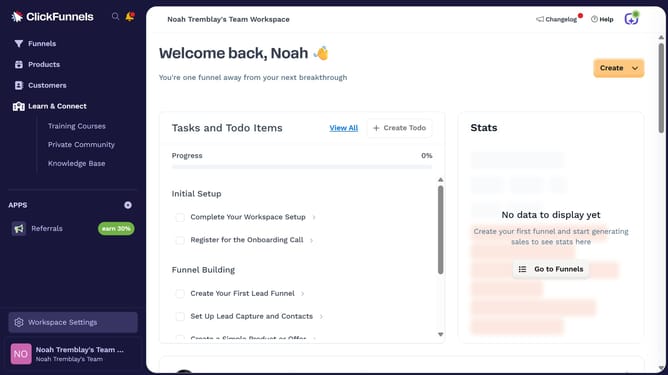
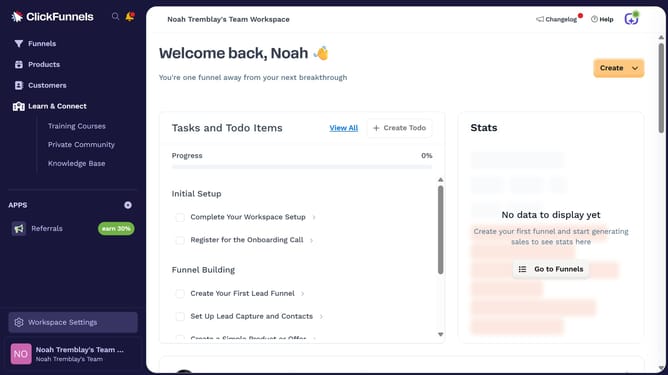
- Then click on "Workspace Settings" link in the left sidebar
- Next click on "Integrations" menu item in the left sidebar
- Then click on the dropdown menu button next to the HubSpot Account field
- Next click on the delete/remove icon button in the dropdown menu
- Finally click on the "Disconnect" button in the confirmation dialog
Why should you disconnect HubSpot from ClickFunnels
ClickFunnels empowers users to create compelling sales funnels with ease and efficiency, optimizing the sales process for businesses.
Knowing how to disconnect HubSpot from ClickFunnels can streamline your marketing tools, ensuring tailored strategies for each platform.
This disconnection allows for more precise data management and a clearer focus on areas where each platform excels.
Ultimately, this feature promotes strategic alignment and boosts productivity by minimizing overlaps and enhancing tool specialization.
Last update