How to show the Pageviews column in ClickFunnels
Here is how to show the pageviews column in clickfunnels
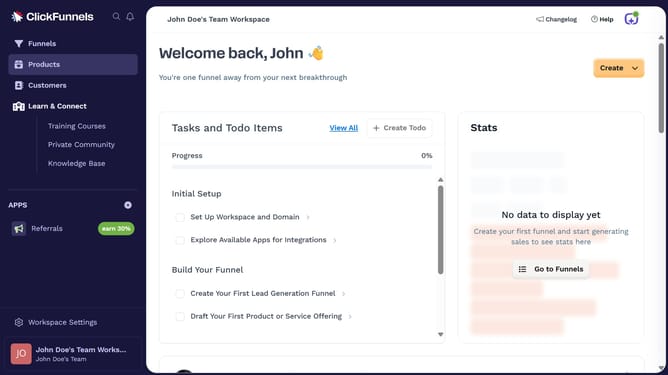
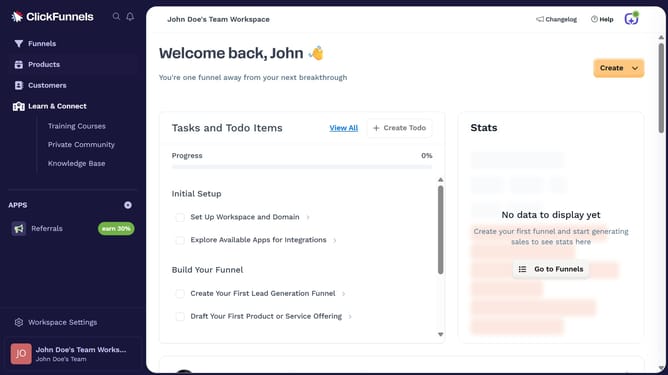
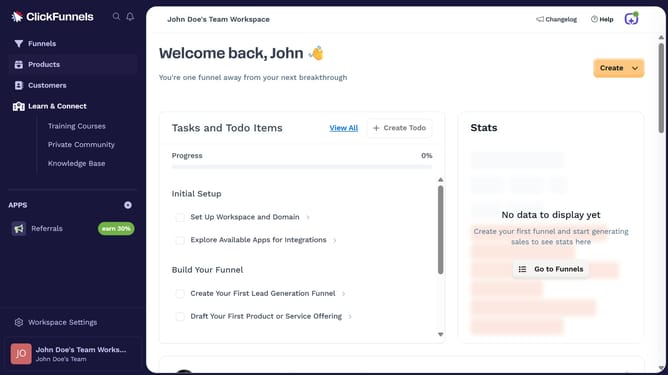
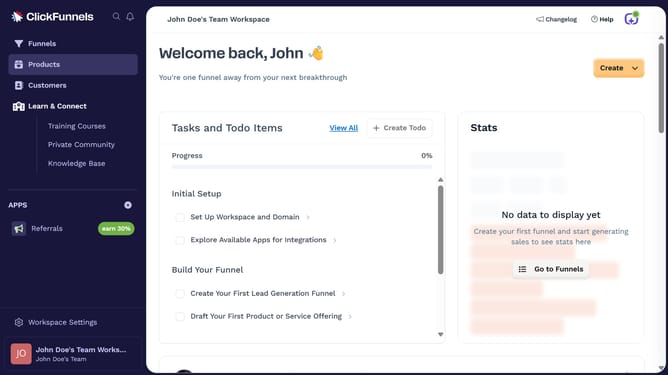
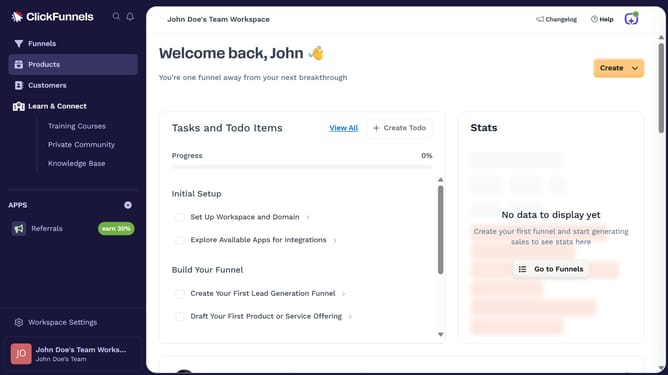
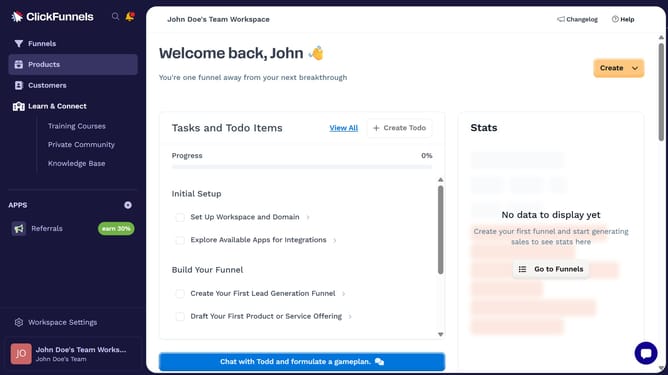
- First click on the "Funnels" option in the left sidebar menu
- Then click on the "Modify columns" button in the top-right corner of the funnels list view
- Finally check the "Pageviews" checkbox from the columns configuration dropdown menu
Why should you show the Pageviews column in ClickFunnels
ClickFunnels is a dynamic tool designed to simplify the creation of effective sales funnels for businesses.
By displaying the Pageviews column in ClickFunnels, you immediately gain access to valuable insights about how visitors are interacting with your sales funnels.
Understanding pageviews helps in fine-tuning your approach and optimizing your content visibility, ensuring that each page of your funnel performs at its best.
Ultimately, harnessing this feature can lead to improved engagement and higher conversion rates.
Last update