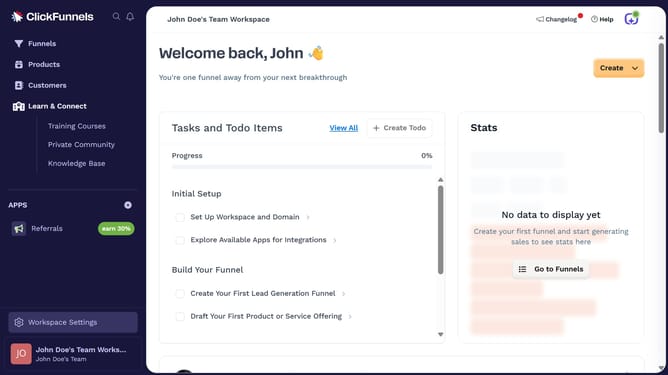
How to hide Visibility column in product view in ClickFunnels
Here is how to hide visibility column in product view in clickfunnels
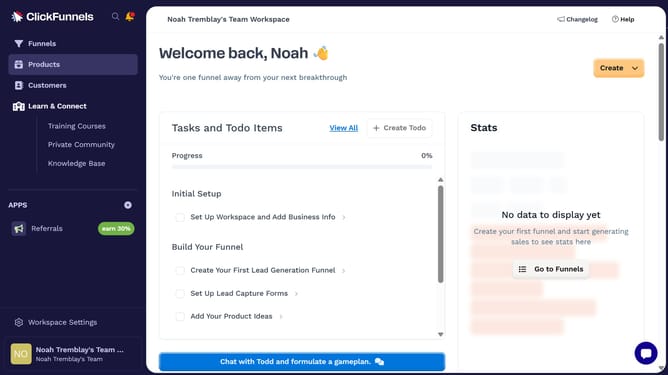
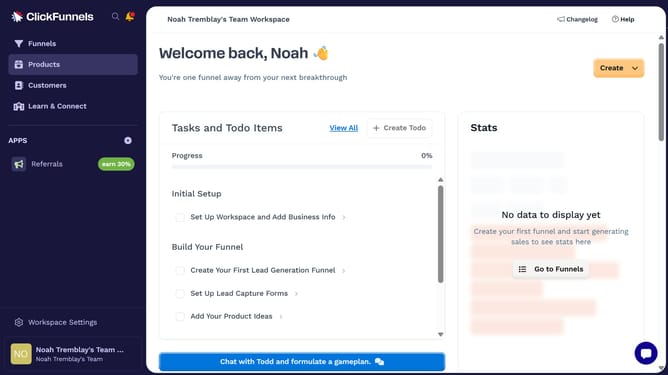
- First click on "Products" in the left sidebar to expand the products menu
- Then click on "All Products" submenu item in the left sidebar
- Next click on the column settings icon in the top right corner of the products table
- Finally uncheck the "Visibility" checkbox in the column settings dropdown menu to hide it
Why should you hide Visibility column in product view in ClickFunnels
ClickFunnels is a powerful tool designed to simplify online marketing and sales funnels.
In ClickFunnels, the ability to hide the Visibility column in product view adds a layer of customization that many users appreciate.
When managing a wide array of products, hiding unnecessary columns streamlines your view and enhances focus, making product management more efficient.
This feature aids in maintaining a clutter-free interface, ensuring that only relevant information is visible, thus improving productivity and workflow.
Last update