How to set product SKU in ClickFunnels
Here is how to set product sku in clickfunnels
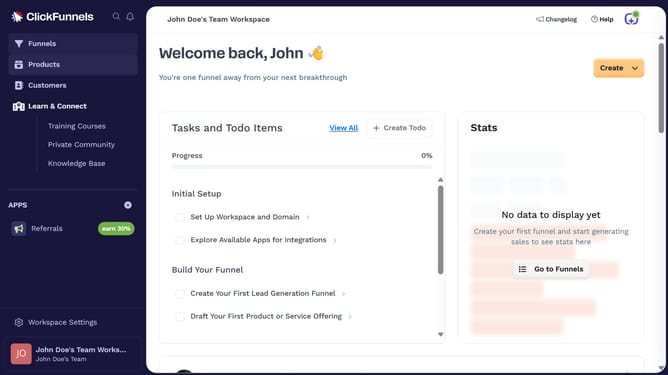
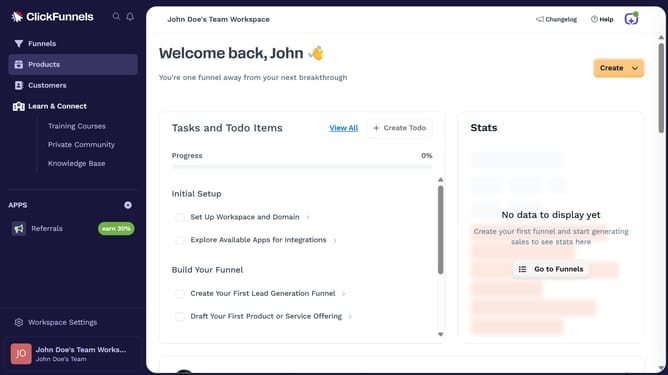
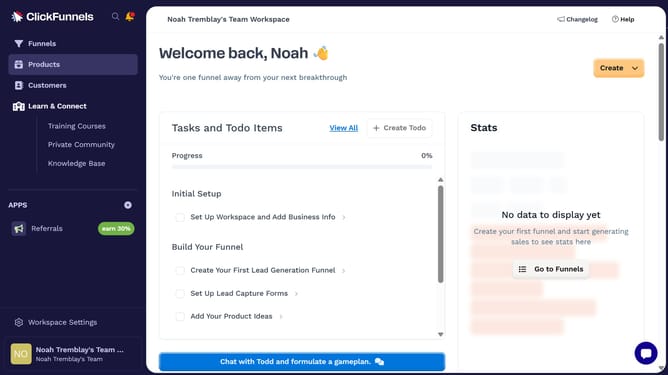
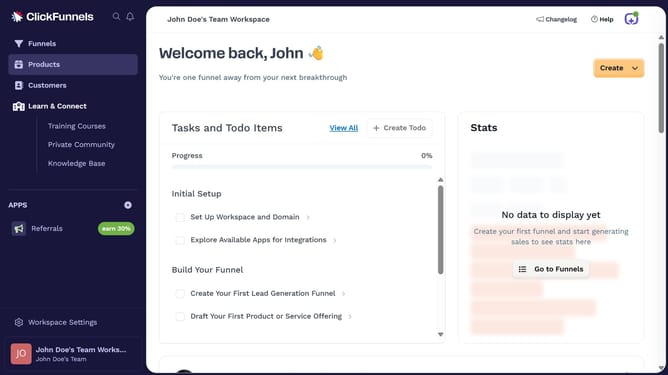
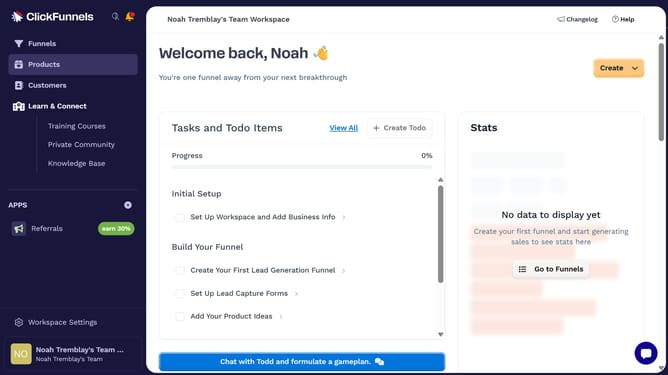
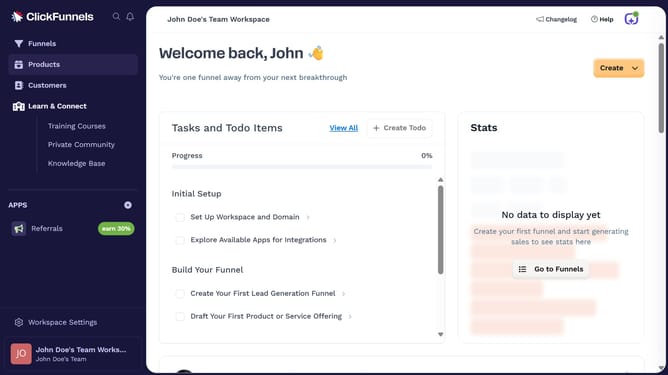
- First click on the "Products" option in the left sidebar menu
- Then click on "All Products" in the expanded Products submenu
- Next select the product you want to set the SKU for
- Then click in the "SKU" input field and enter your desired SKU
- Finally click the "Update Product" button in the top-right corner of the product edit page
Why should you set product SKU in ClickFunnels
ClickFunnels is an intuitive platform designed to streamline the creation of landing pages and sales funnels for businesses.
Setting a product SKU in ClickFunnels is crucial for efficient inventory tracking and organization. This feature allows businesses to maintain a unique identifier for each product, making it easier to manage stock and track sales data.
By using SKU numbers, businesses can enhance their operational efficiency and accuracy, ensuring a more responsive and customer-friendly approach. The ability to categorize products efficiently within ClickFunnels ultimately supports better sales performance and service delivery.
Last update