How to restore default columns in ClickFunnels
Here is how to restore default columns in clickfunnels
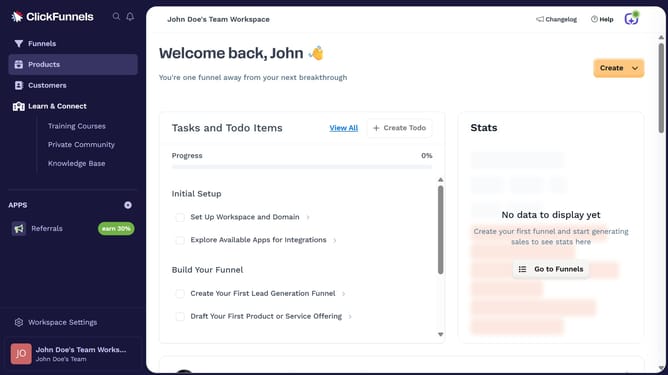
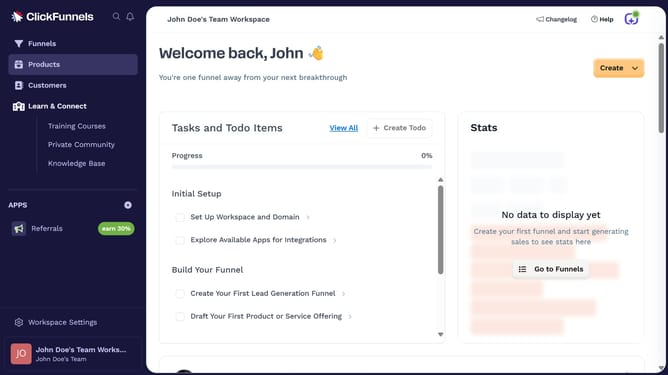
- First click on the "Funnels" option in the left sidebar menu
- Then click on the "Modify columns" button located in the top-right corner of the funnel list view
- Finally click on the "Reset Columns" button in the columns configuration panel
Why should you restore default columns in ClickFunnels
ClickFunnels is a versatile online tool designed to simplify building and managing sales funnels.
Restoring default columns in ClickFunnels enhances your dashboard's clarity and organization. It allows users to quickly align their data display with their initial setup, ensuring a smooth operational experience.
This feature is particularly beneficial as it helps maintain consistency, allowing you to streamline processes and focus on growing your business without getting bogged down by configuration changes.
Last update